Preview the website locally
Before you publish the changes to the live site, you can preview the website locally on your machine to review the changes you made.
Assuming you are in the VS code terminal and in the root directory of the cloned repository, you can run the following commands to start a local preview server.
Open the terminal in VS Code. You can select ‘Terminal’ > ‘New Terminal’ from the top navigation bar (you can also use the shortcut Ctrl+`).
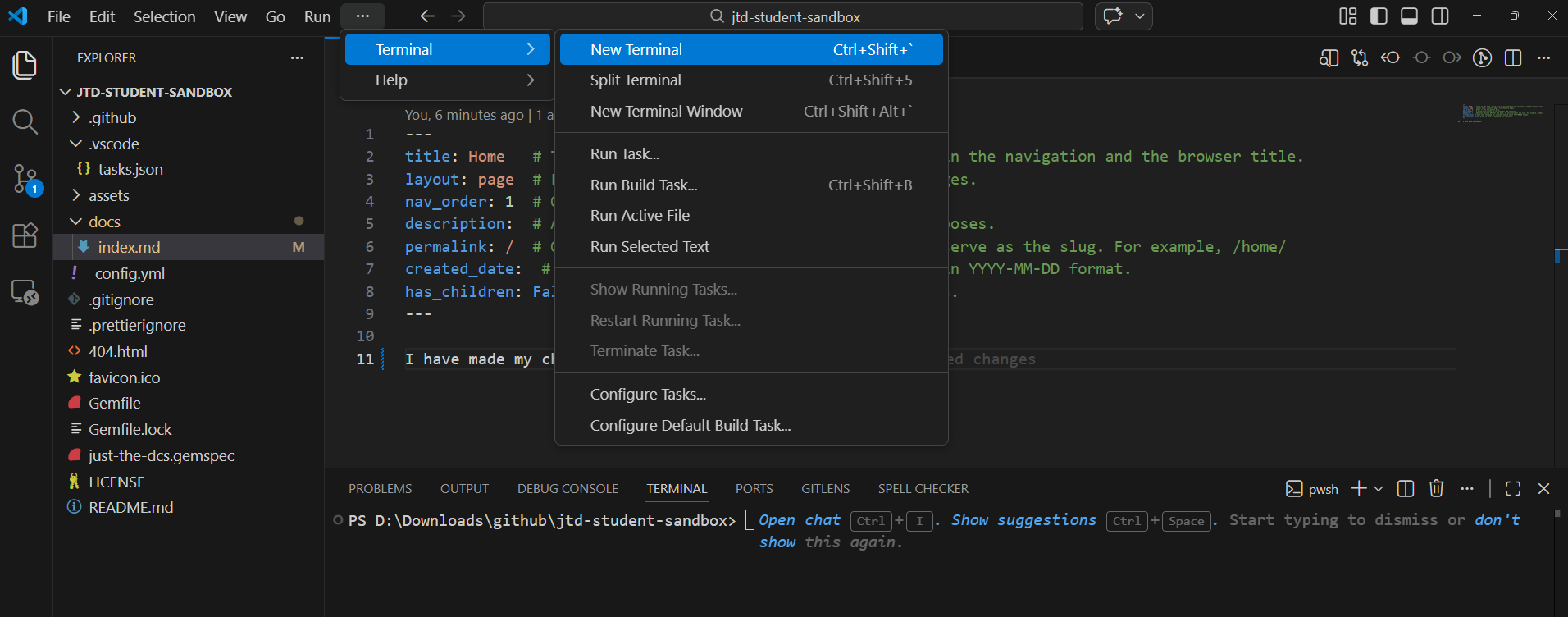
Run the following command to install the required dependencies and start the Jekyll server with live reload enabled:
bundle install && bundle exec jekyll serve --livereload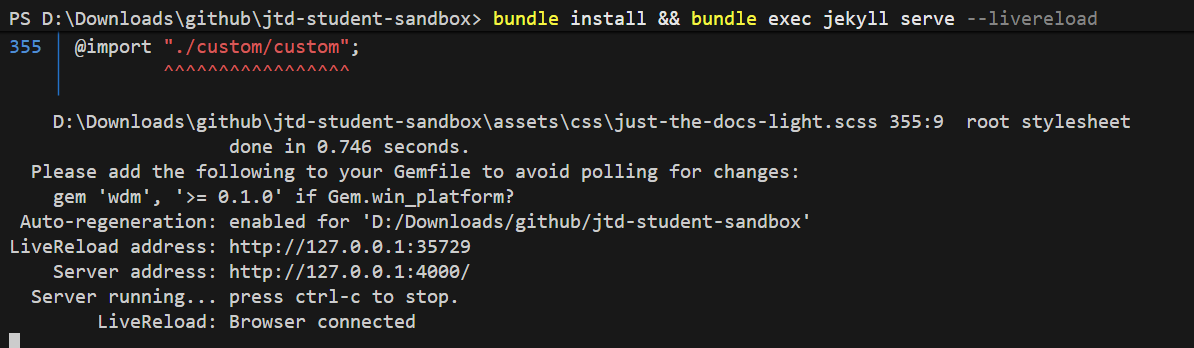
Once you see the following message in the terminal, you may access the preview pages in your preferred web browser via http://127.0.0.1:4000 (or whatever address the terminal shows after the Server address line)
 ...
 You can add fiddle to your Gemfile or gemspec to silence this warning.
 LiveReload address: http://127.0.0.1:35729
     Server address: http://127.0.0.1:4000
 Server running... press ctrl-c to stop.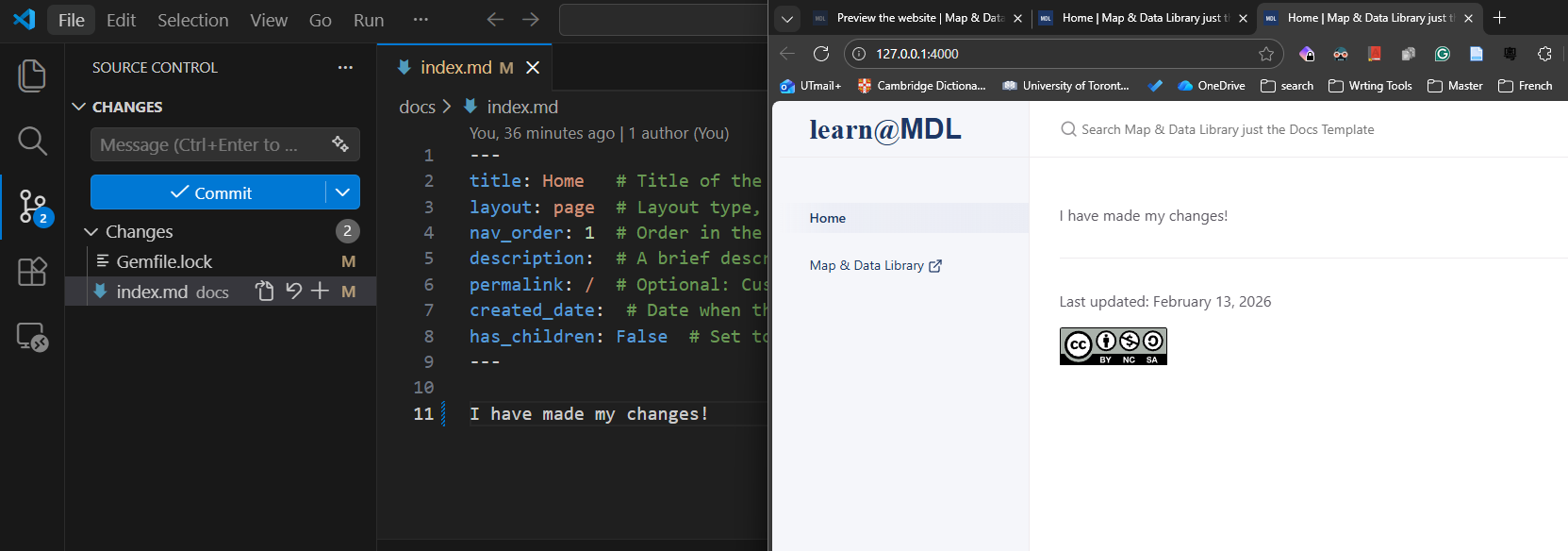
To stop the preview server, you can go back to the terminal (click on the terminal window in VS Code) and press Ctrl+C to stop the server. If you asked to ‘Terminate batch job (Y/N)?’, type ‘Y’ and press Enter (two times) to confirm stopping the server.

Next Steps
After previewing the website and ensuring the changes look good, you can follow the instructions in the Publish the changes to GitHub guide to publish the changes to GitHub and make the changes live on the website.