Downloading and Installing NVivo 15 - New Users
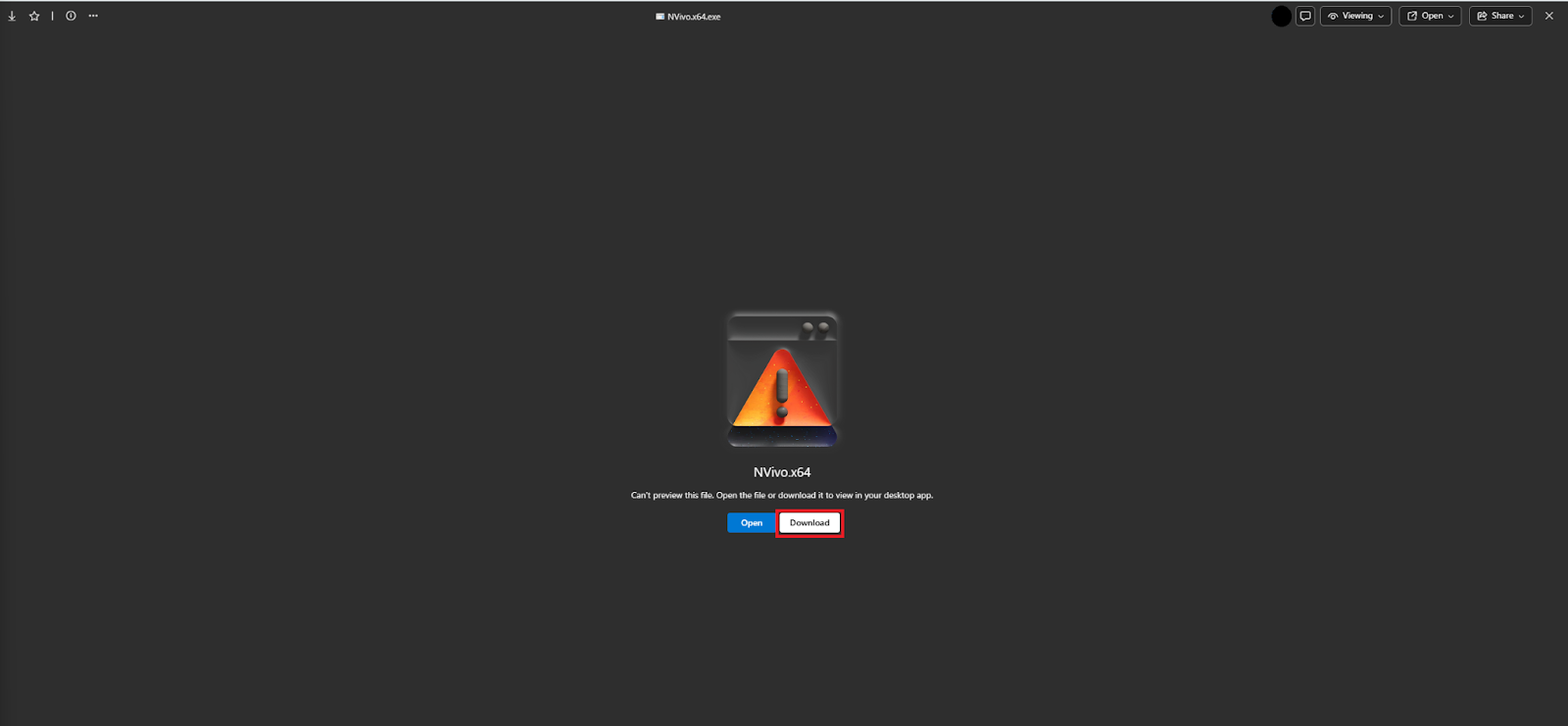
In the NVivo Software License Request email, click the link to download the NVivo 15 installer for Windows. You may be prompted to enter your UTORid before downloading the software. If you are presented with a screen that says “Can’t preview this file…” click Download
Locate the NVivo installer in your Recent Downloads, and open it.
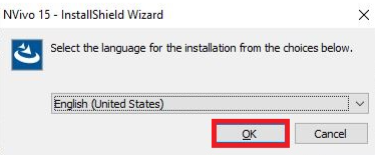
Select your preferred language for the installation process, and click OK.
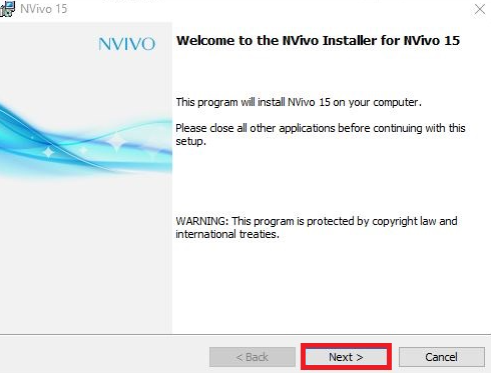
Go through the instructions, and click “Next”.
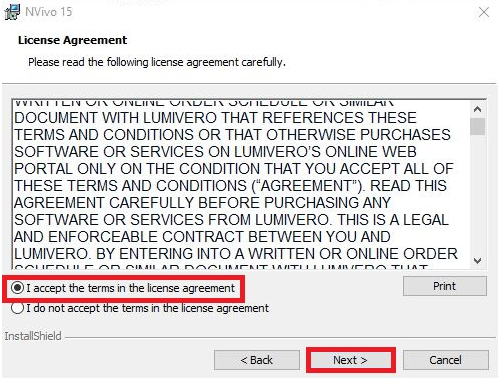
Read through the License Agreement, select “I accept the terms in the license agreement”, and click Next.
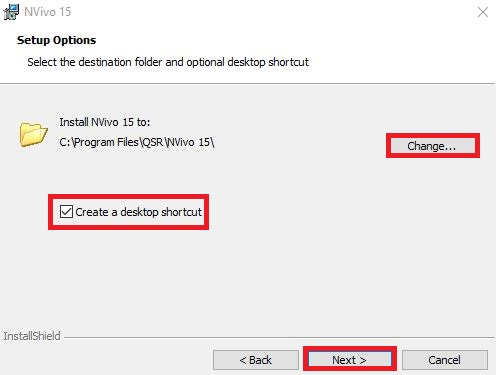
Change the Destination folder (if you want to), select Create a desktop shortcut (if you want to), and click “Next”
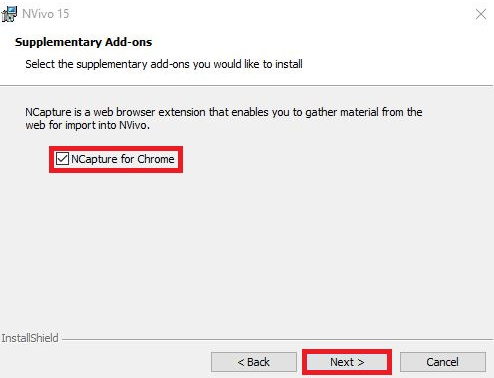
Choose to add on the Supplementary Add-ons (i.e., NCapture for Chrome) if you want to, and click “Next”.
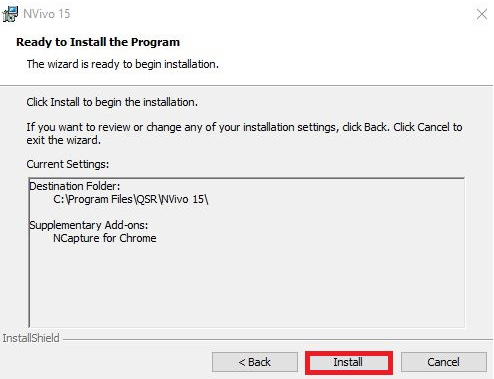
Review your Installation Settings, and click “Install”.
Once the installation is completed, Select “Launch NVivo”, and click “Finish”.
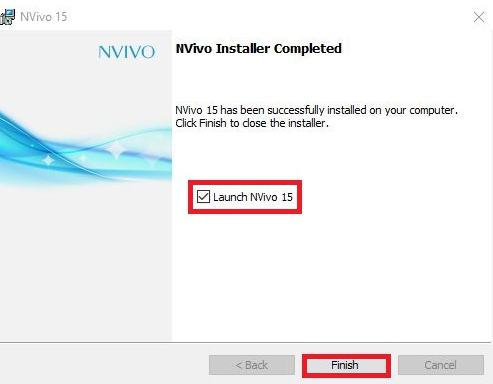
NVivo is now installed! Continue with the next steps to activate your license.
Technique: Installation | Tools: NVivo