License Key Activation for Existing NVivo 15 Users Who Only Want to Renew Their License
- To replace or update your NVivo license key, navigate to the start screen for NVivo, and click “FILE” at the top.
Go to Product Info >Replace License
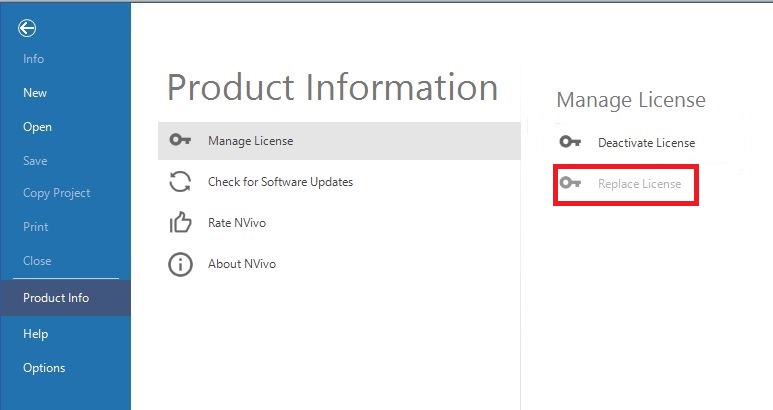
- You can replace your license key by copying and pasting the new license key in, and clicking OK.
Technique: Installation | Tools: NVivo