Part A: Use the PCCF+ to assign standard geographic codes/names to your postal codes
In this section, you will prepare your postal codes and assign geographic data to them using the PCCF+.
First, you need to download the PCCF+ dataset from the MDL website: https://mdl.library.utoronto.ca/collections/numeric-data/census-canada/postal-code-conversion-file.
Choose the census year of interest:
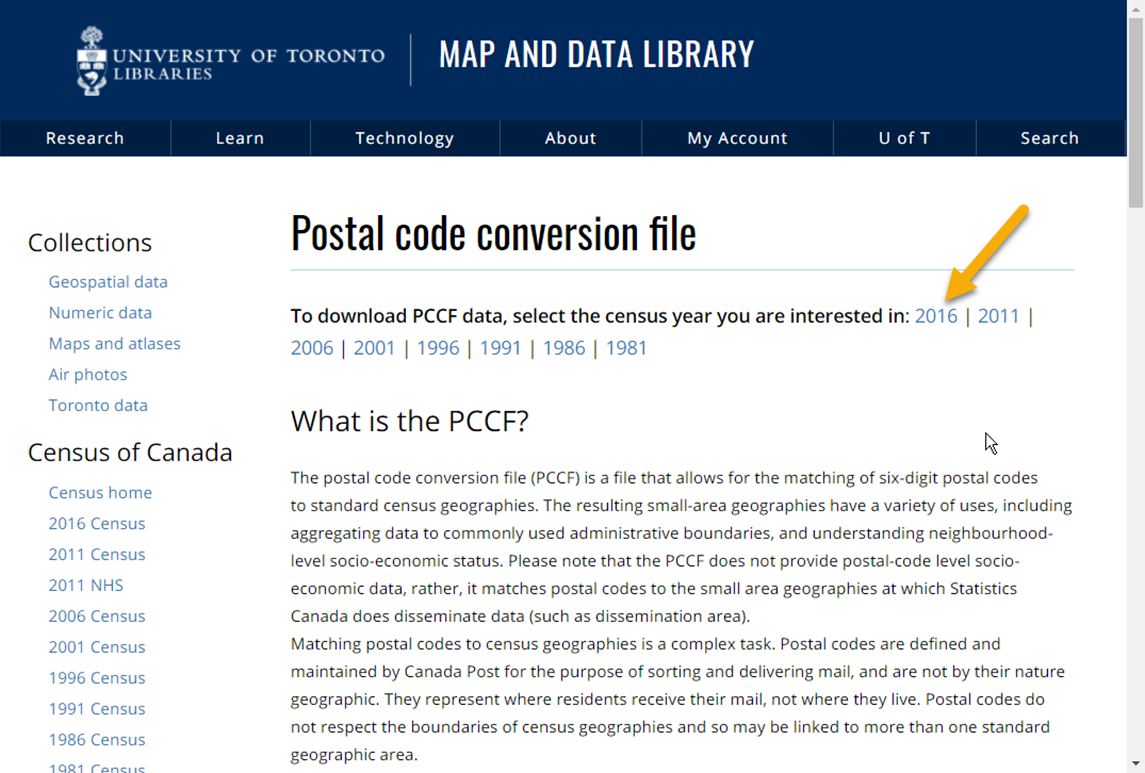
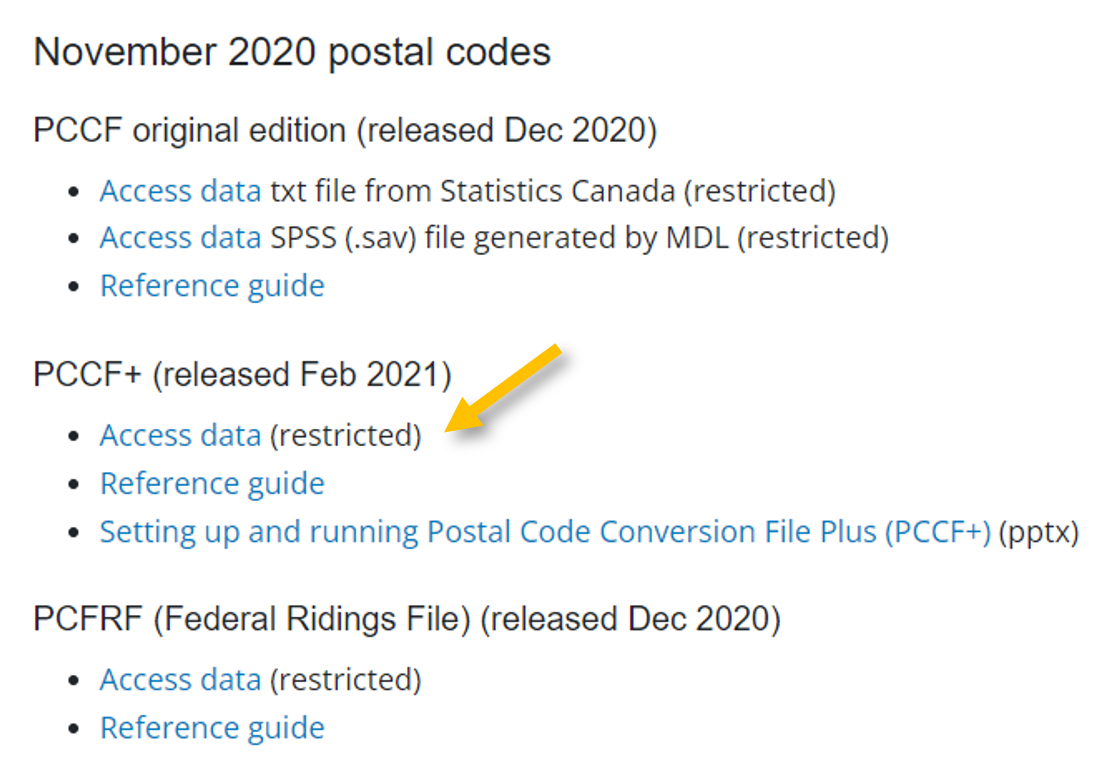
Scroll through the list and find the latest update of PCCF+ file. Click on Access data to download the dataset.
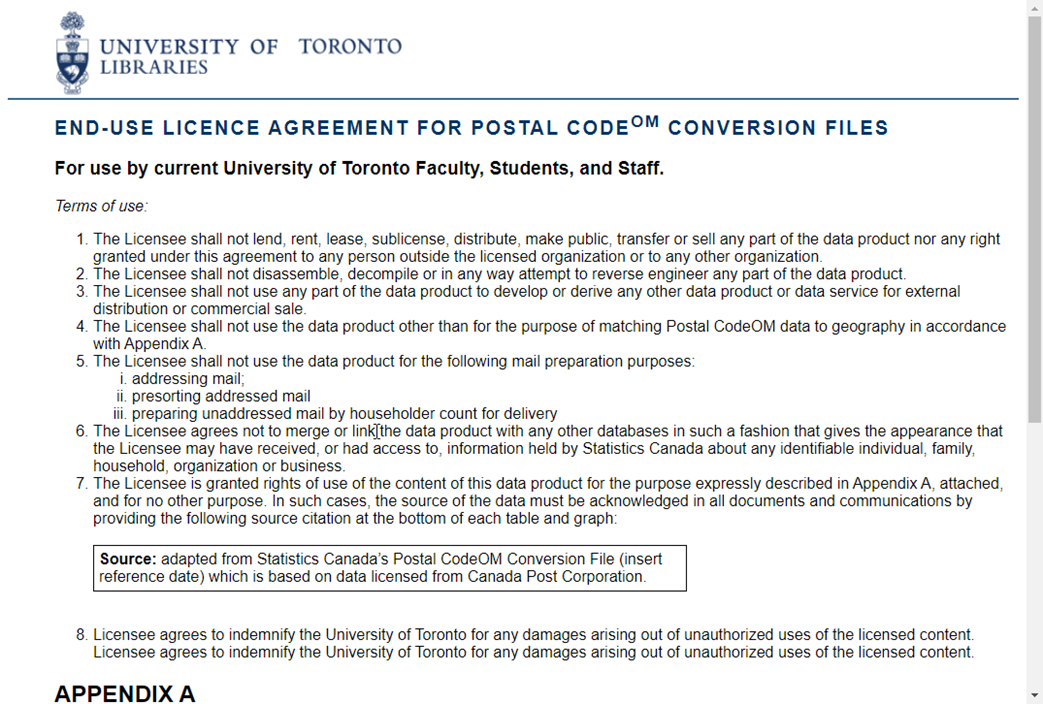
Please carefully read through the end-user license agreement.
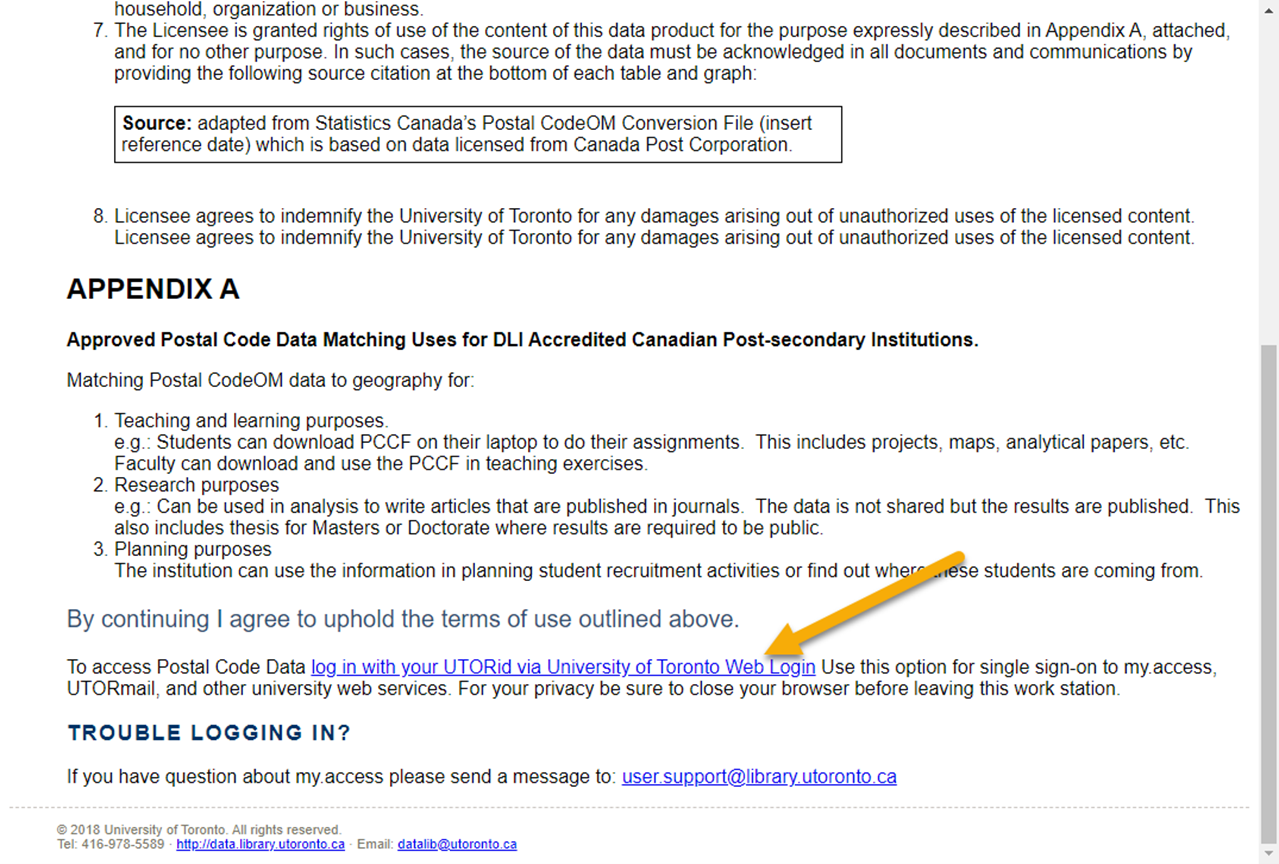
At the bottom of the page, click the link to authenticate with your UTORid. The download will then start automatically.
If you wish, move the file from your Downloads folder to some location where you will find it again later.
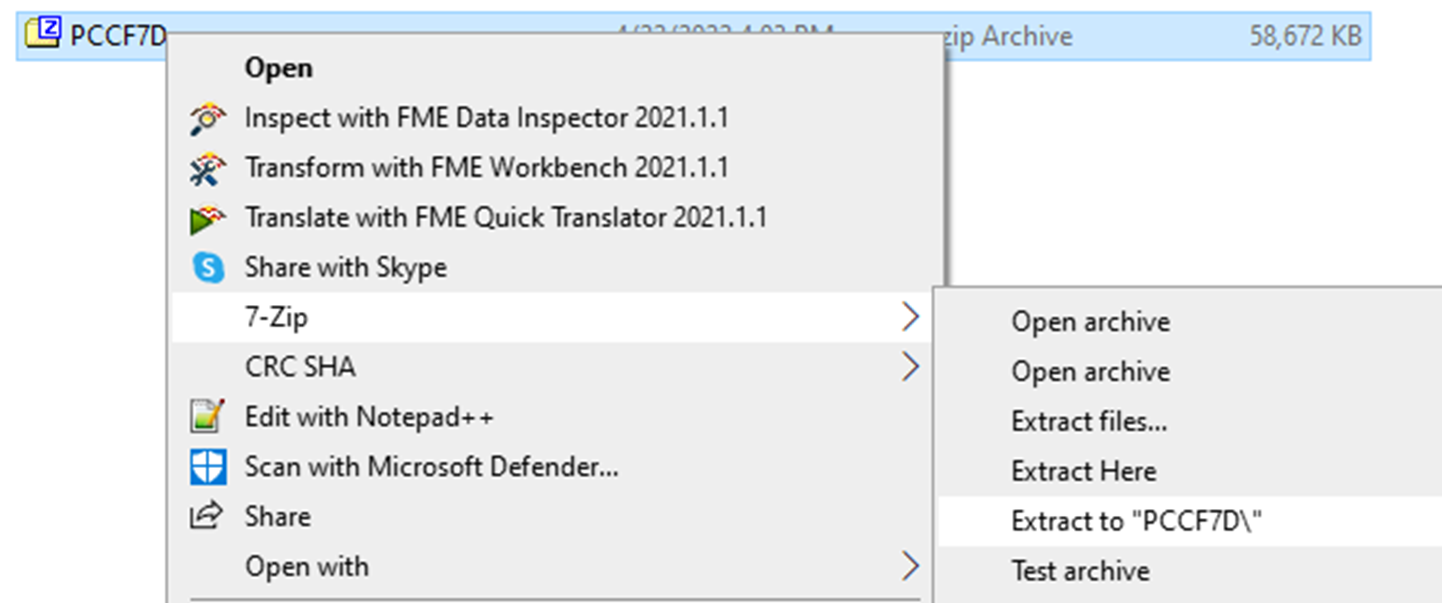
The download is a compressed file which must be uncompressed (or “unzipped”). Right-click on the file and choose Extract All. On a Mac you can simply double-click on the file.
To assign geographic data to your postal codes using the PCCF+, you can use the following comprehensive Statistics Canada PCCF+ guide. It explains in detail how to set up and run the PCCF+ with your own postal codes so we will not repeat the work here. The steps in the guide include:
- Creating an input file from your postal codes’ dataset. Be mindful of column names in this step.
- Running PCCF+. This step includes using the PCCF+ dataset and code downloaded from the Map & Data library general PCCF webpage and modifying six lines of SAS code.
- Checking outputs. In this final step, you want to check the output data file to see if it has been populated and the problem files to flag any problematic postal codes.
We complete the steps in this guide using the postal codes from My_dataset.csv. Our input file is My_postalcodes.csv. And in the last step, we save our output dataset as mypostalcodespccfp.csv
| Technique: Quantitative Data Analysis | Tools: R, SAS, SPSS | Data Format: Microdata |