License Key Activation for NVivo 15 - New Users
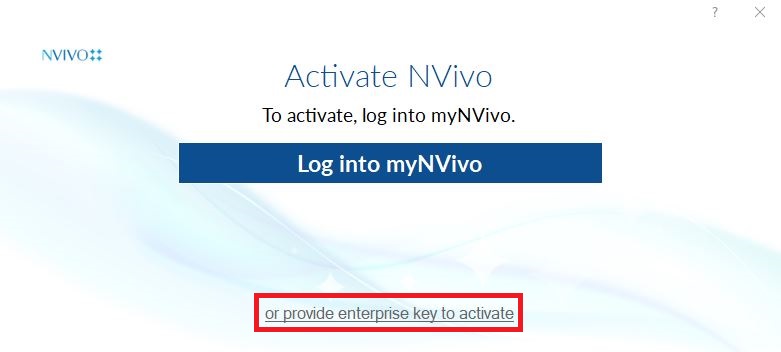
Activate NVivo by clicking on “provide enterprise key to activate”.
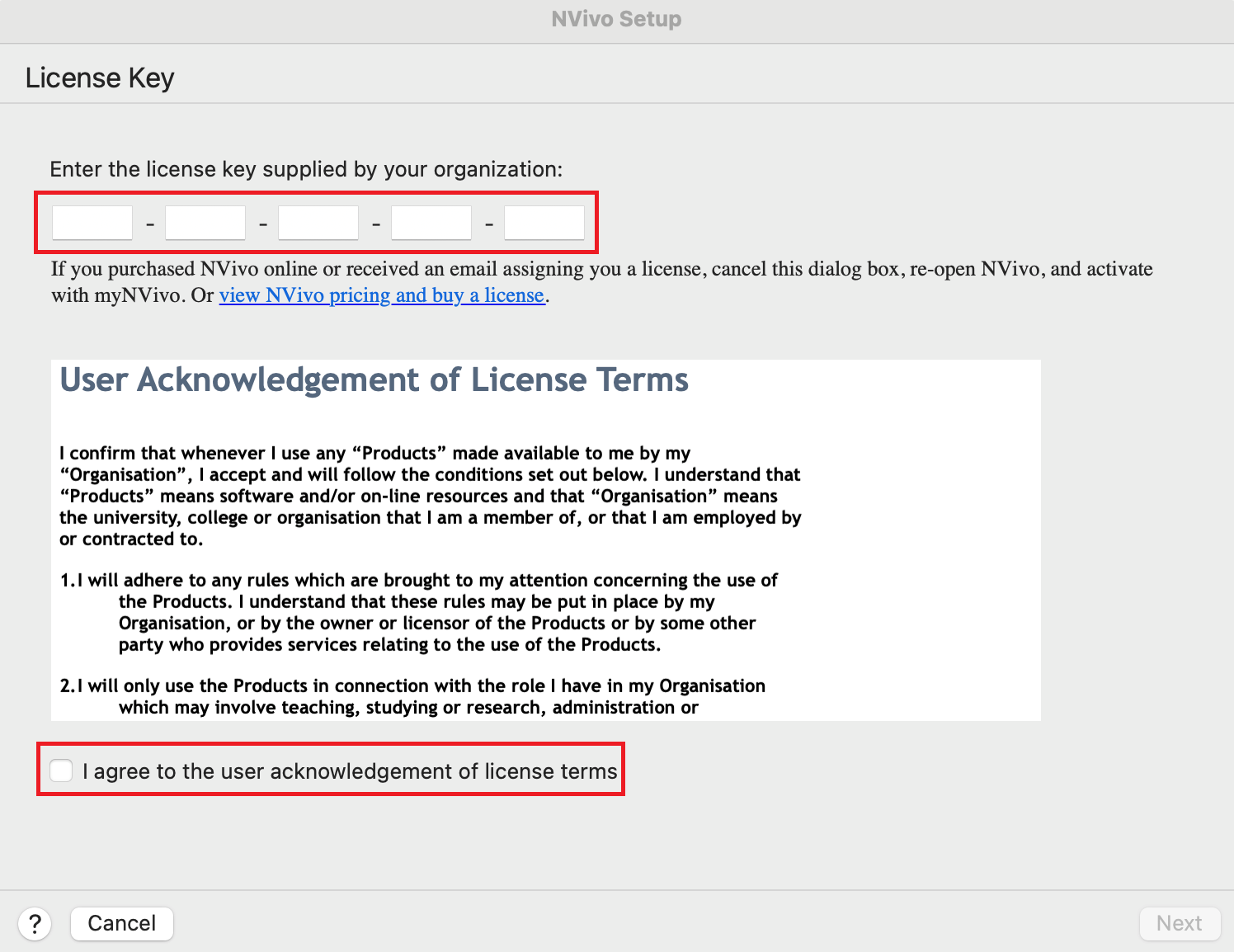
Copy and paste the License Key received in your email into the license key’s text box. Read through and Agree to the user acknowledgement of license terms, click Next.
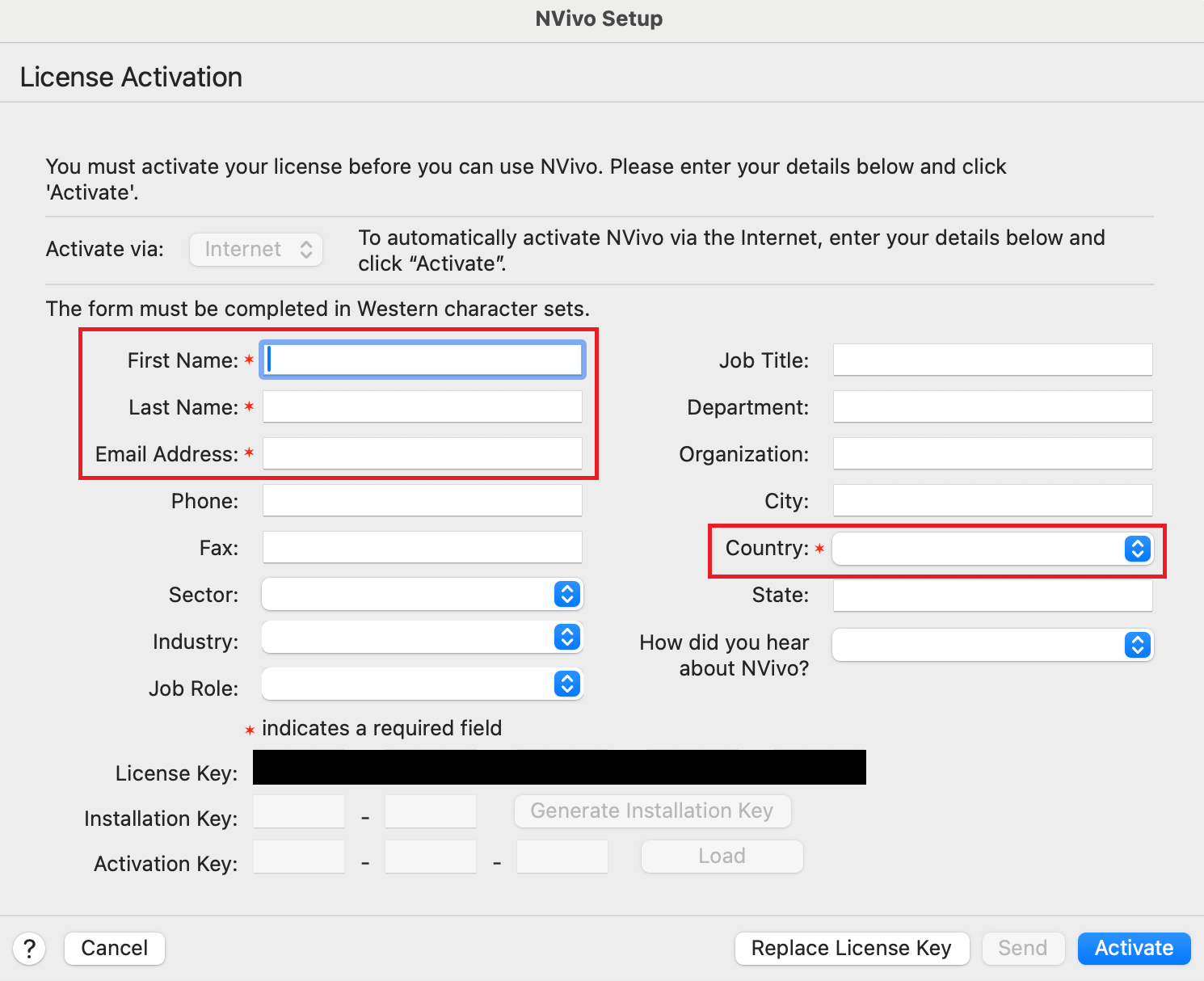
Fill in the required information, and click Activate to finish activating your license.
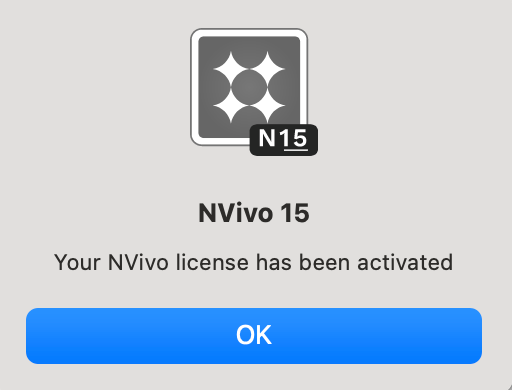
Your license has now been activated! Click OK
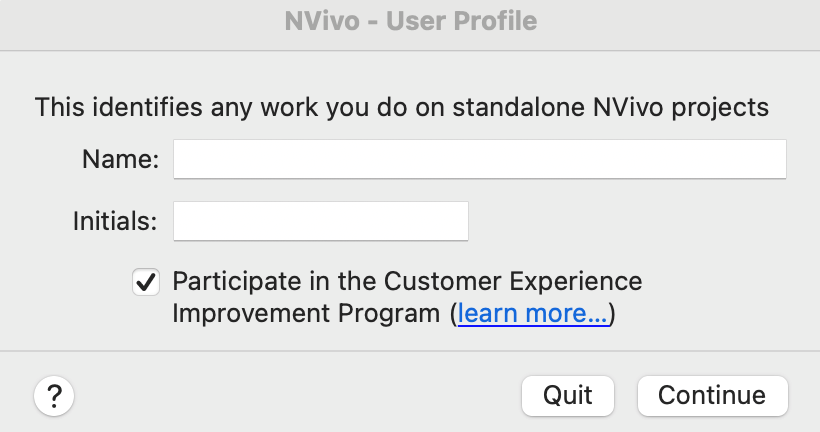
Finish setting up your User Profile by filling in your name and initials, and click OK. Filling in your initials is especially important in team projects, as this information is used to identify your work.
That’s it! NVivo should now be running on your Mac.
Technique: Installation | Tools: NVivo