License Key Activation for Existing NVivo 15 Users Who Only Want to Renew Their License
- To replace or update your NVivo license key, click on NVivo 15 in the Mac status bar and find Licensing
Use the Replace License option
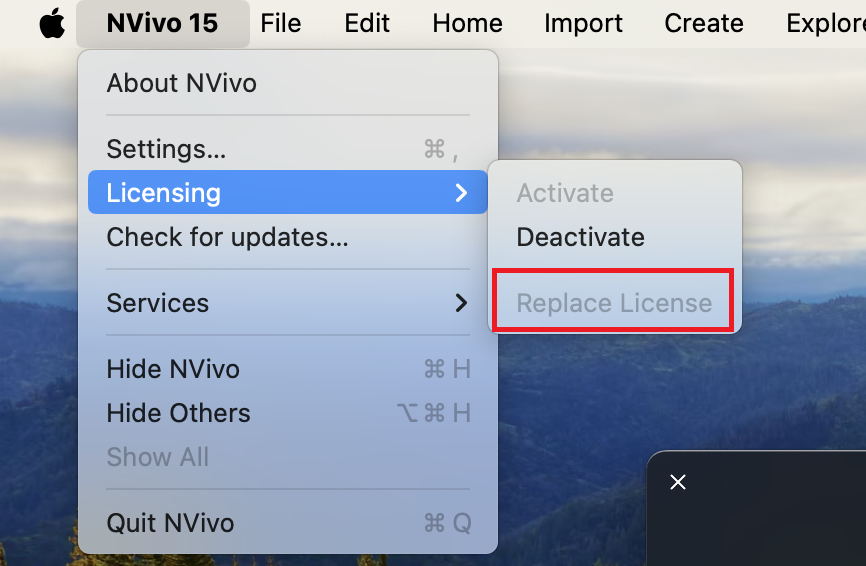
- You can replace your license key by copying and pasting the new license key in, and clicking OK.
Technique: Installation | Tools: NVivo