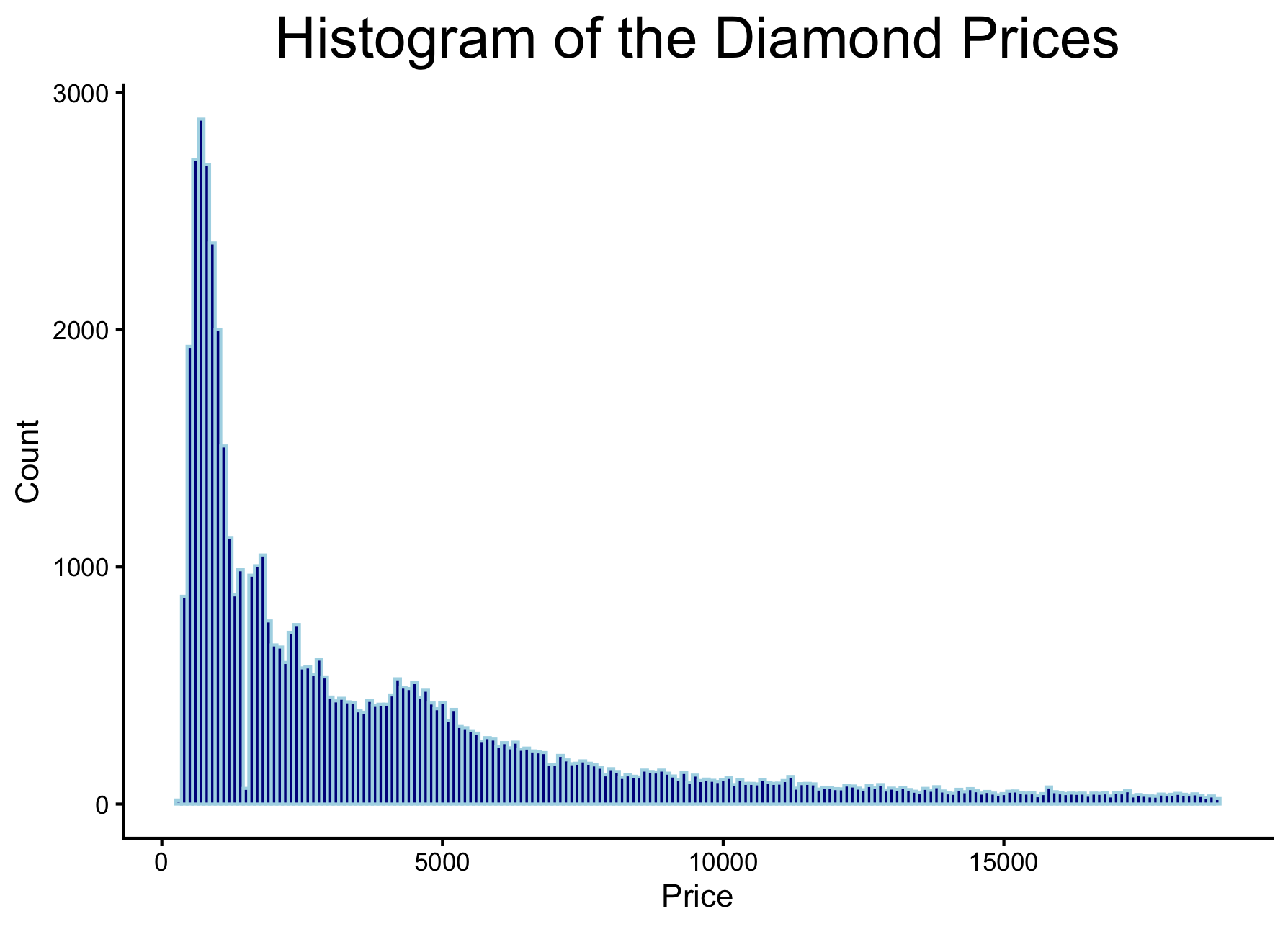
Histogram
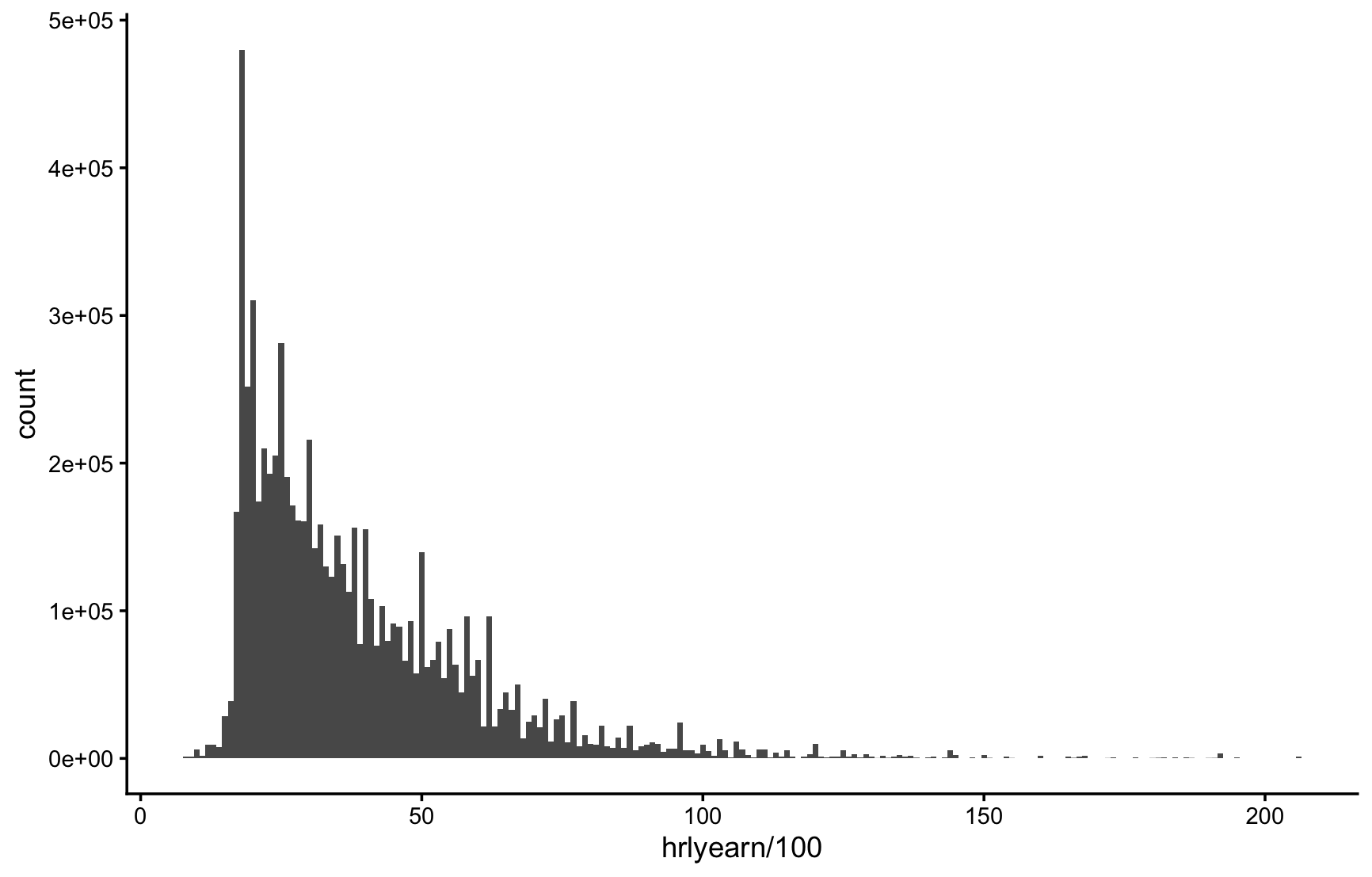
Use geom_histogram() to plot a histogram. The binwidth argument sets the width of each bar, in the units of the x-axis variable.
Data: Labour Force Survey
The na.rm = TRUE argument tells R to ignore missing values and silences the warning about dropped rows. weight = finalwt makes the y-axis show estimated Ontario employees instead of survey responses.
ggplot(lfs26sep, aes(x = hrlyearn/100, weight = finalwt)) +
  geom_histogram(binwidth = 1, na.rm = TRUE) +
  theme_classic()
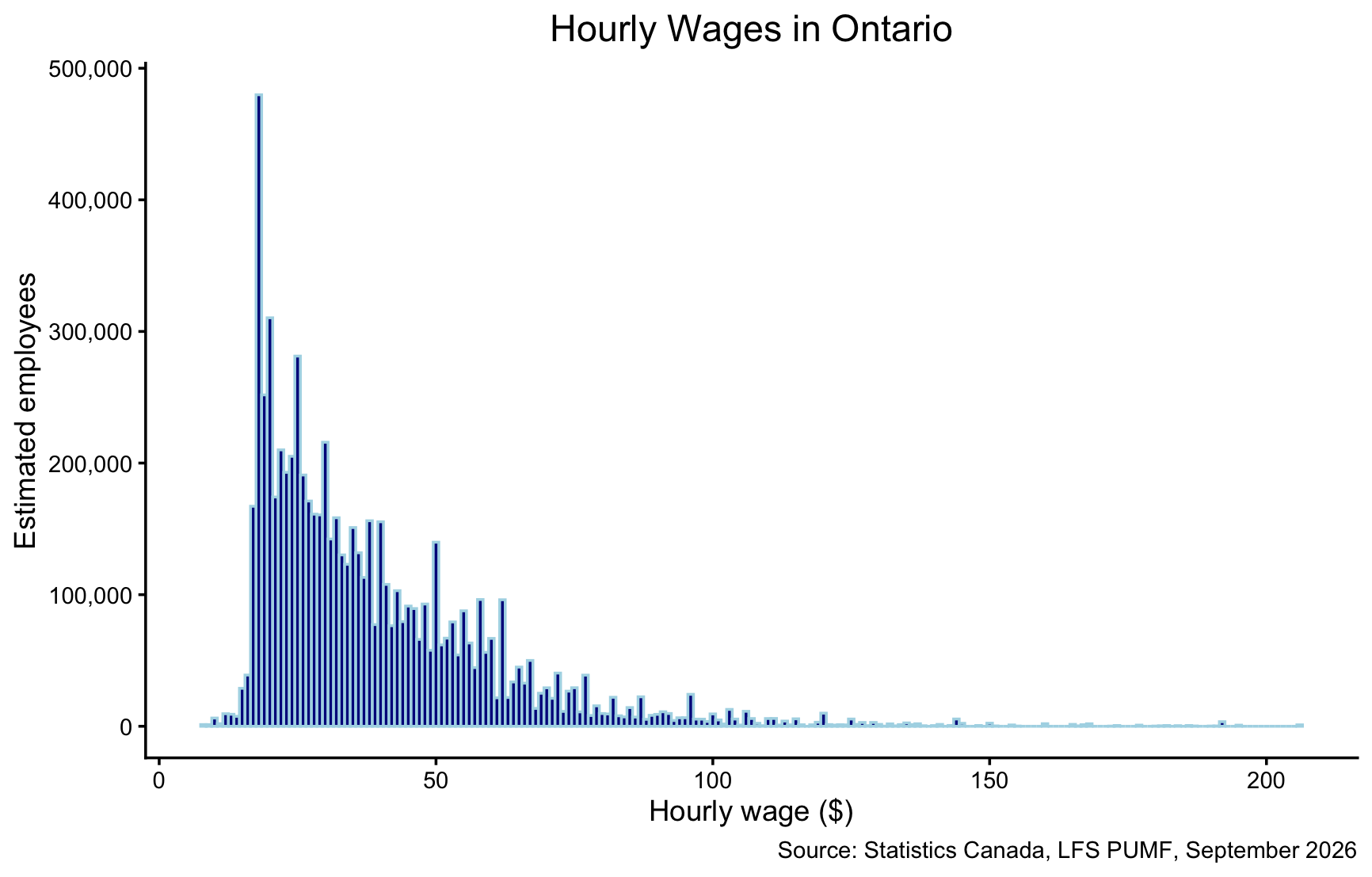
ggplot(lfs26sep, aes(x = hrlyearn/100, weight = finalwt)) +
  geom_histogram(binwidth = 1, fill = "darkblue", colour = "lightblue", na.rm = TRUE) +
  theme_classic() +
  scale_y_continuous(labels = scales::comma) +
  ggtitle("Hourly Wages in Ontario") +
  theme(plot.title = element_text(size = 14, hjust = 0.5)) +
  xlab("Hourly wage ($)") + ylab("Estimated employees") +
  labs(caption = "Source: Statistics Canada, LFS PUMF, September 2026")
Data: Diamonds
data(diamonds)
ggplot(diamonds, aes(price)) + geom_histogram()
ggplot(diamonds, aes(price)) + geom_histogram() + theme_classic()
ggplot(diamonds, aes(price)) + geom_histogram(binwidth=100) + theme_classic()
ggplot(diamonds, aes(price)) +
  geom_histogram(binwidth=100, fill="darkblue", color="lightblue") +
  theme_classic() +
  ggtitle("Histogram of the Diamond Prices") +
  theme(plot.title=element_text(size=20, hjust=0.5)) +
  xlab("Price") + ylab("Count")