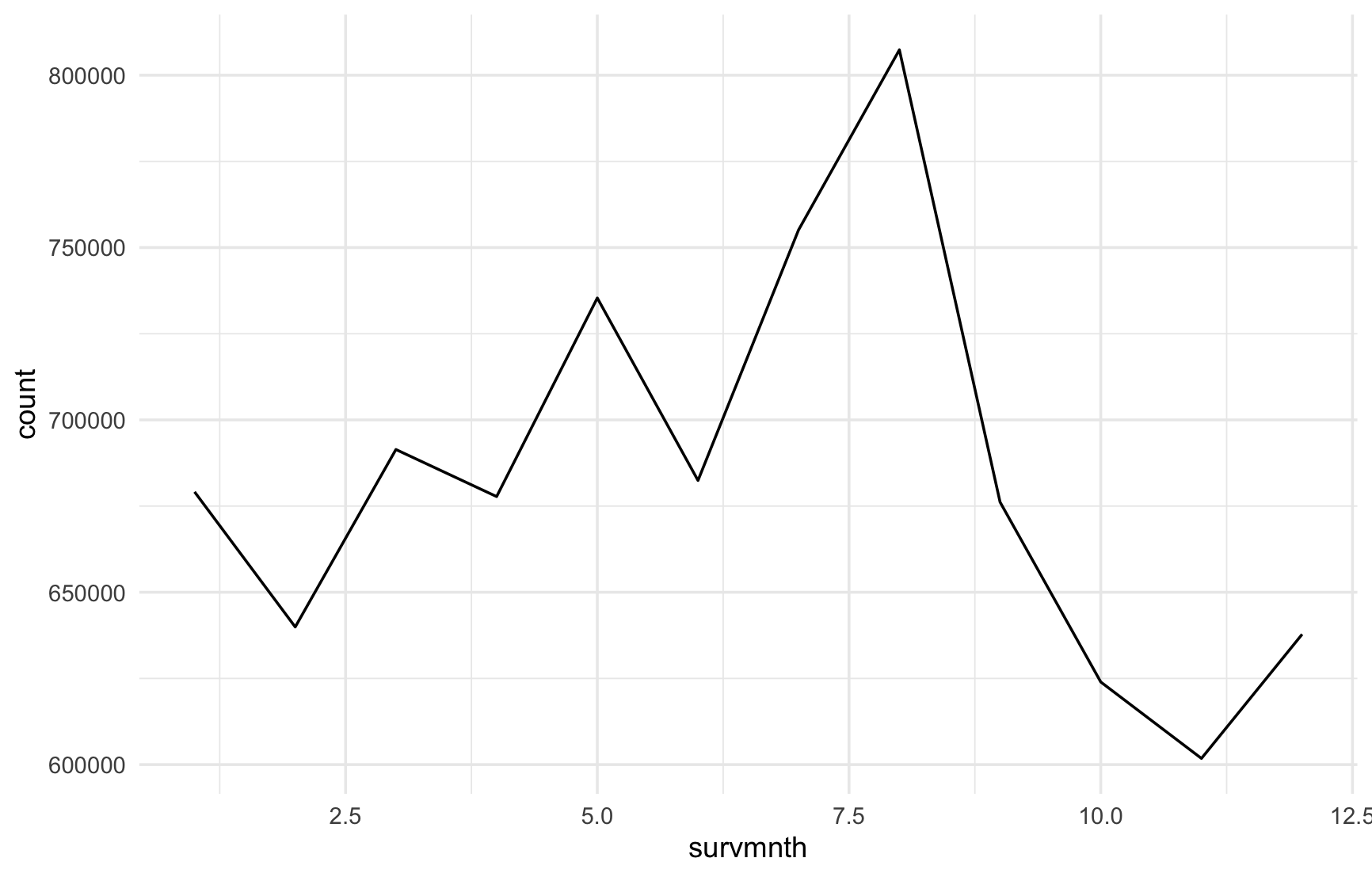
Line graph
Use geom_line() to plot a line graph. The stat argument sets the statistic to be displayed on the y-axis. The colour argument specifies the colour of the line graph and linewidth specifies its width. weight = finalwt makes the y-axis show estimated unemployed people in Ontario pinstead of survey responses.
Data: Labour Force Survey
ggplot(subset(lfs25, lfsstat == "Unemployed"),
       aes(x = survmnth, weight = finalwt)) +
  geom_line(stat = "count") +
  theme_minimal()
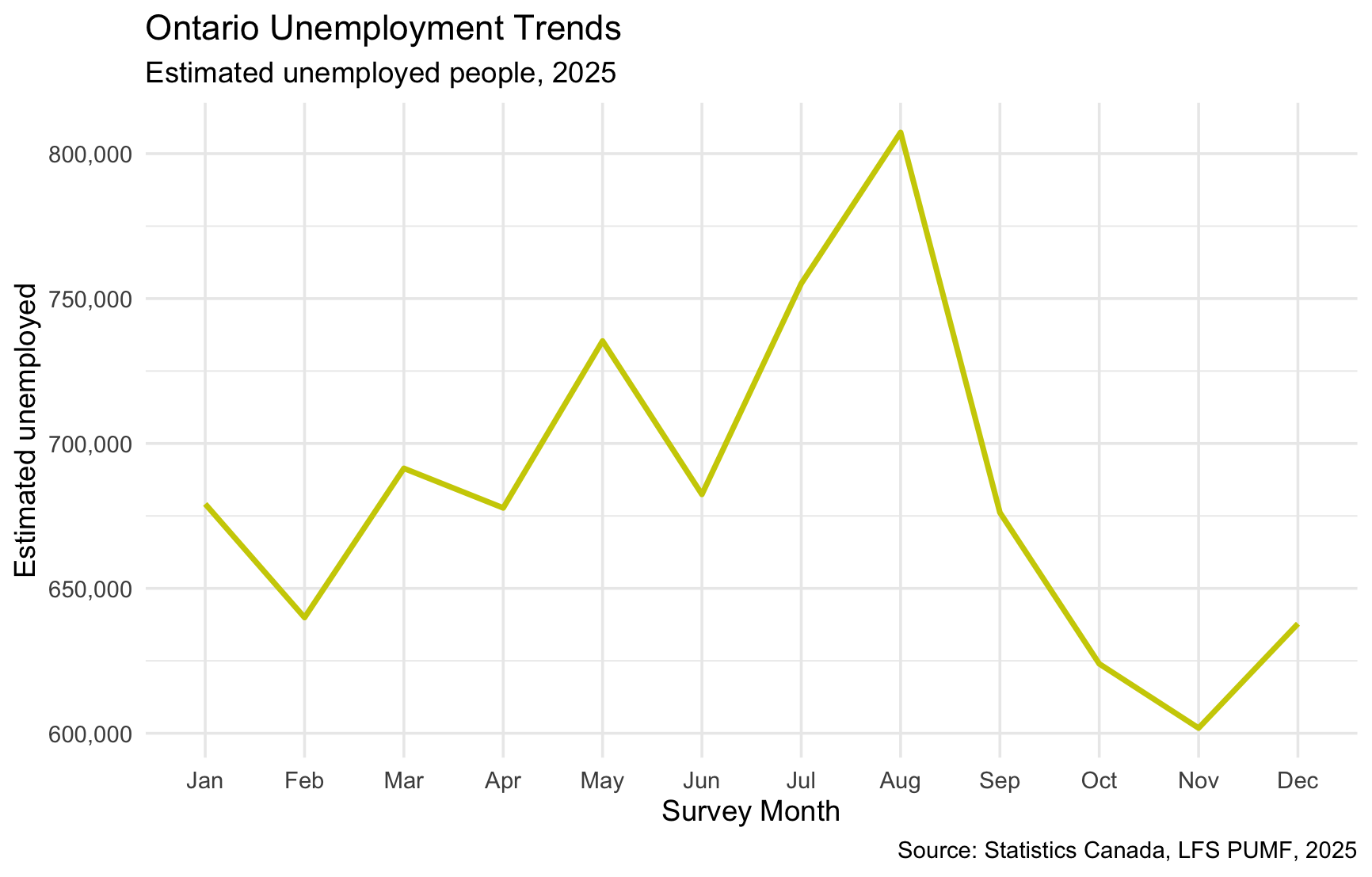
ggplot(subset(lfs25, lfsstat == "Unemployed"),
       aes(x = factor(survmnth, levels = 1:12, labels = month.abb), group = 1,
           weight = finalwt)) +
  geom_line(stat = "count", colour = "yellow3", linewidth = 1) +
  theme_minimal() +
  scale_y_continuous(labels = scales::comma) +
  labs(title = "Ontario Unemployment Trends",
       subtitle = "Estimated unemployed people, 2025",
       x = "Survey Month", y = "Estimated unemployed",
       caption = "Source: Statistics Canada, LFS PUMF, 2025")
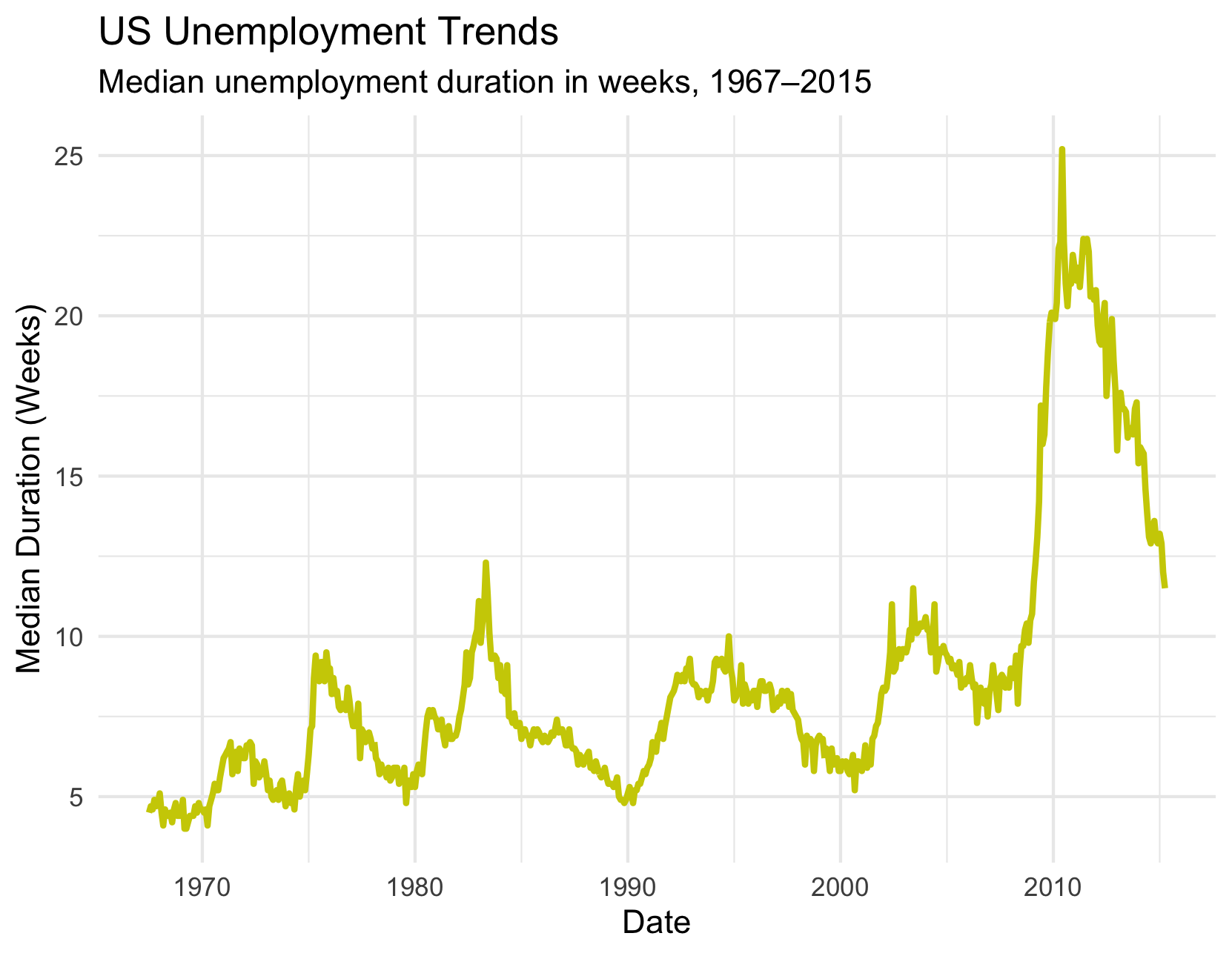
Data: Economics
data(economics)
ggplot(economics, aes(x=date, y=uempmed)) +
  theme_minimal() +
  geom_line(colour="yellow3", linewidth=1) +
  labs(title="US Unemployment Trends",
       subtitle="Median unemployment duration in weeks, 1967–2015") +
  xlab("Date") +
  ylab("Median Duration (Weeks)")