A. Set up Gephi
- This tutorial utilizes the free software package, Gephi, as well as the Gephi plugin, SigmaExporter. If you already have these set up, skip ahead to section B of this tutorial.
- You can install Gephi, by downloading it, and following the installation instructions.
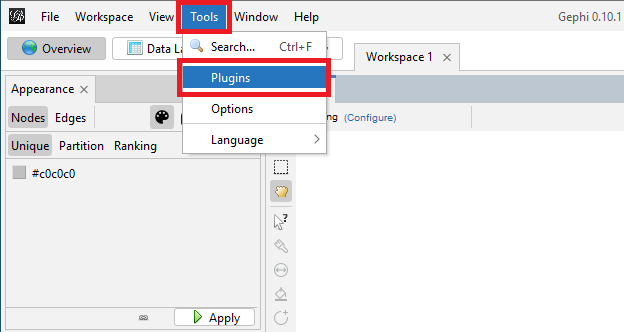
Once Gephi is set up, navigate to the application’s top menu, select Tools and then select Plugins.
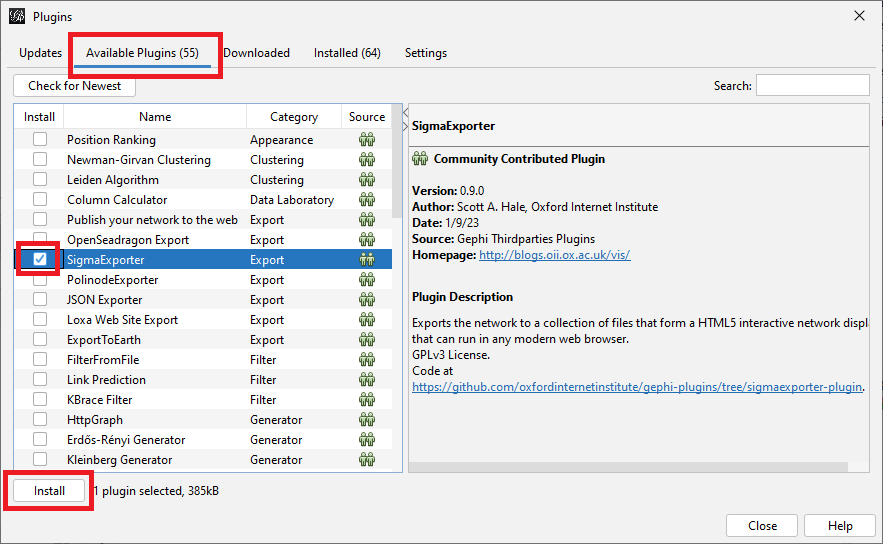
In the Plugins window, first select the Available Plugins, and navigate to SigmaExporter. Check the Install box, and click Install.
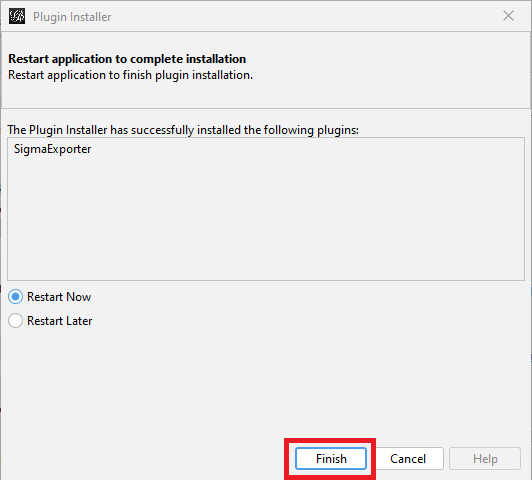
In the Plugin Installer, click Next, accept the terms, and click Install. You will need to restart the program before you use the plugin. After choosing your desired restart time, click Finish.
Technique: Data Visualization | Tools: Gephi