Explore the Interface
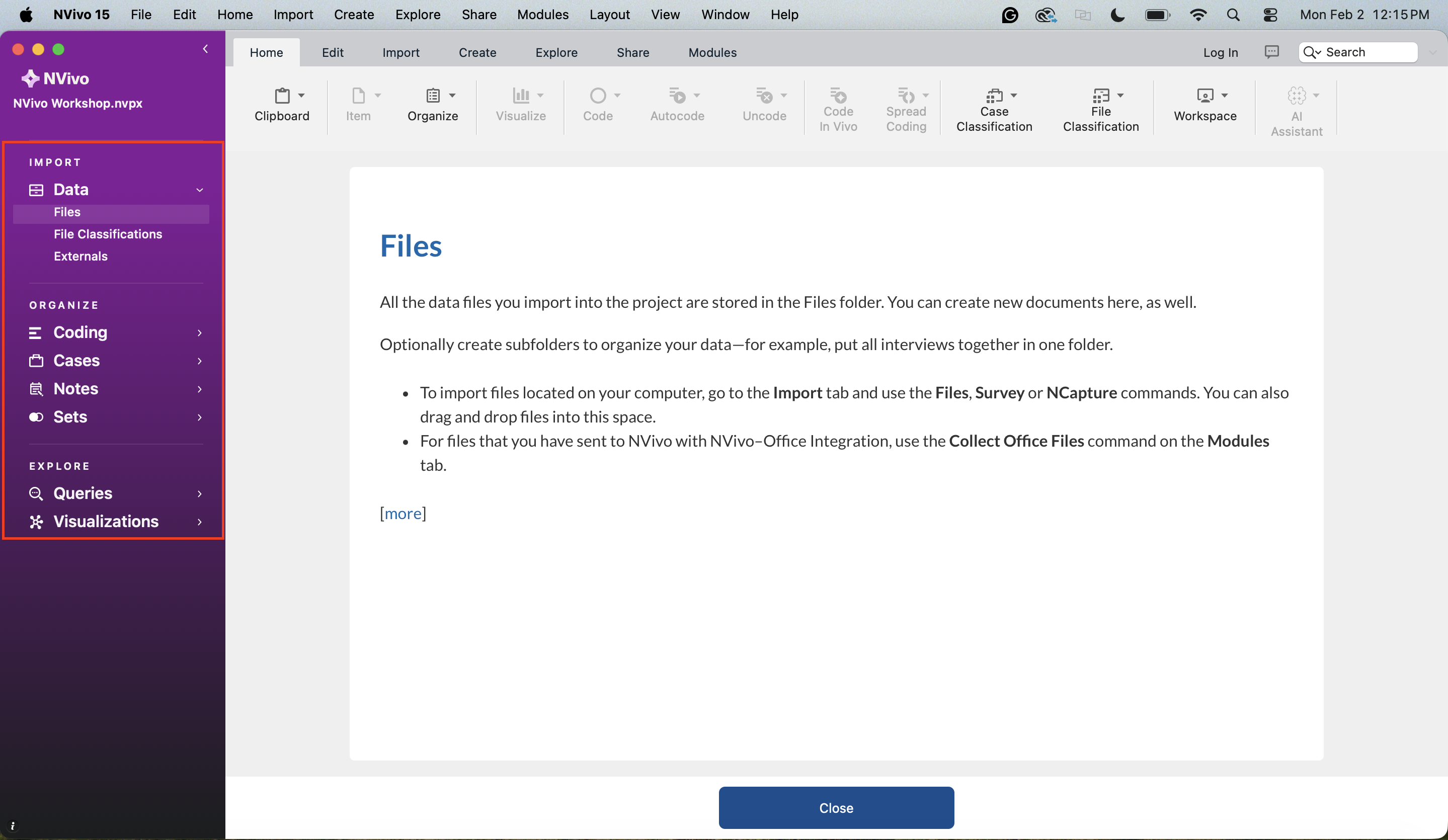
Let’s briefly look around before we get started. First off, the left side menu helps you navigate the various items of your project, such as your files, your codes, notes, queries, etc. We will talk about these sections as we use the tool.
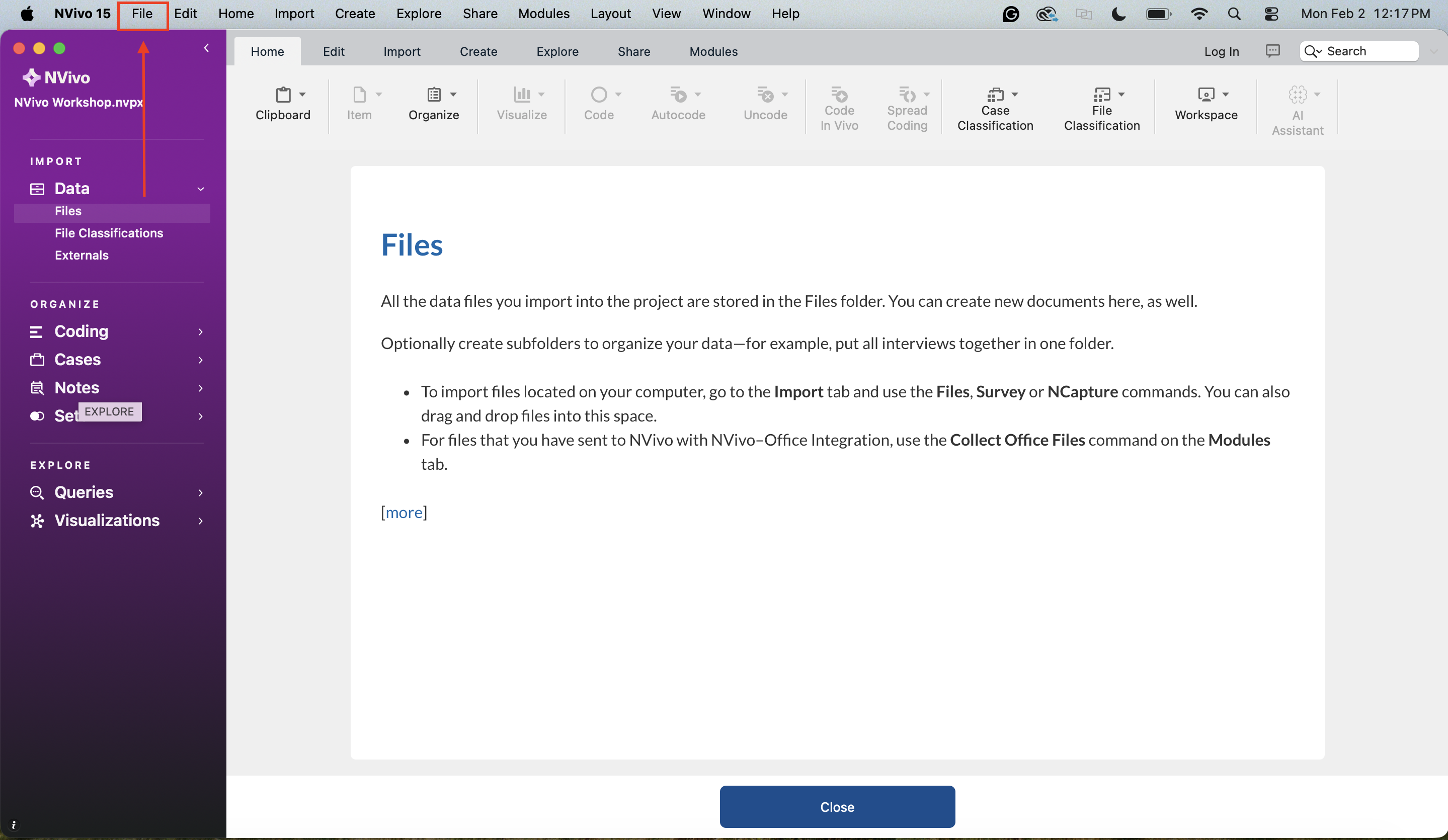
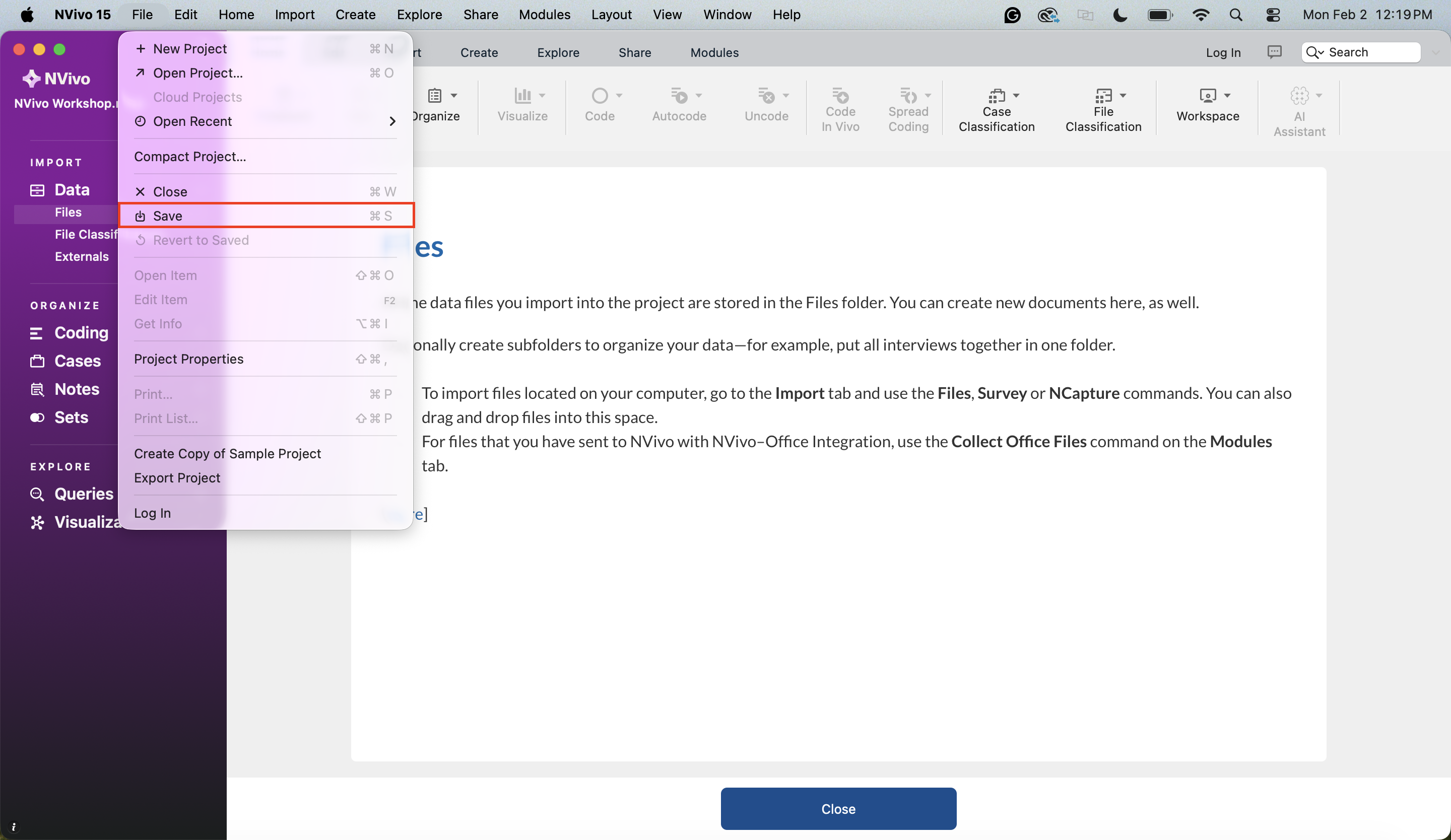
If you want to save your project manually (which you should do periodically), or create or open a new project, you can use the File menu from the menu bar at the top of the screen.
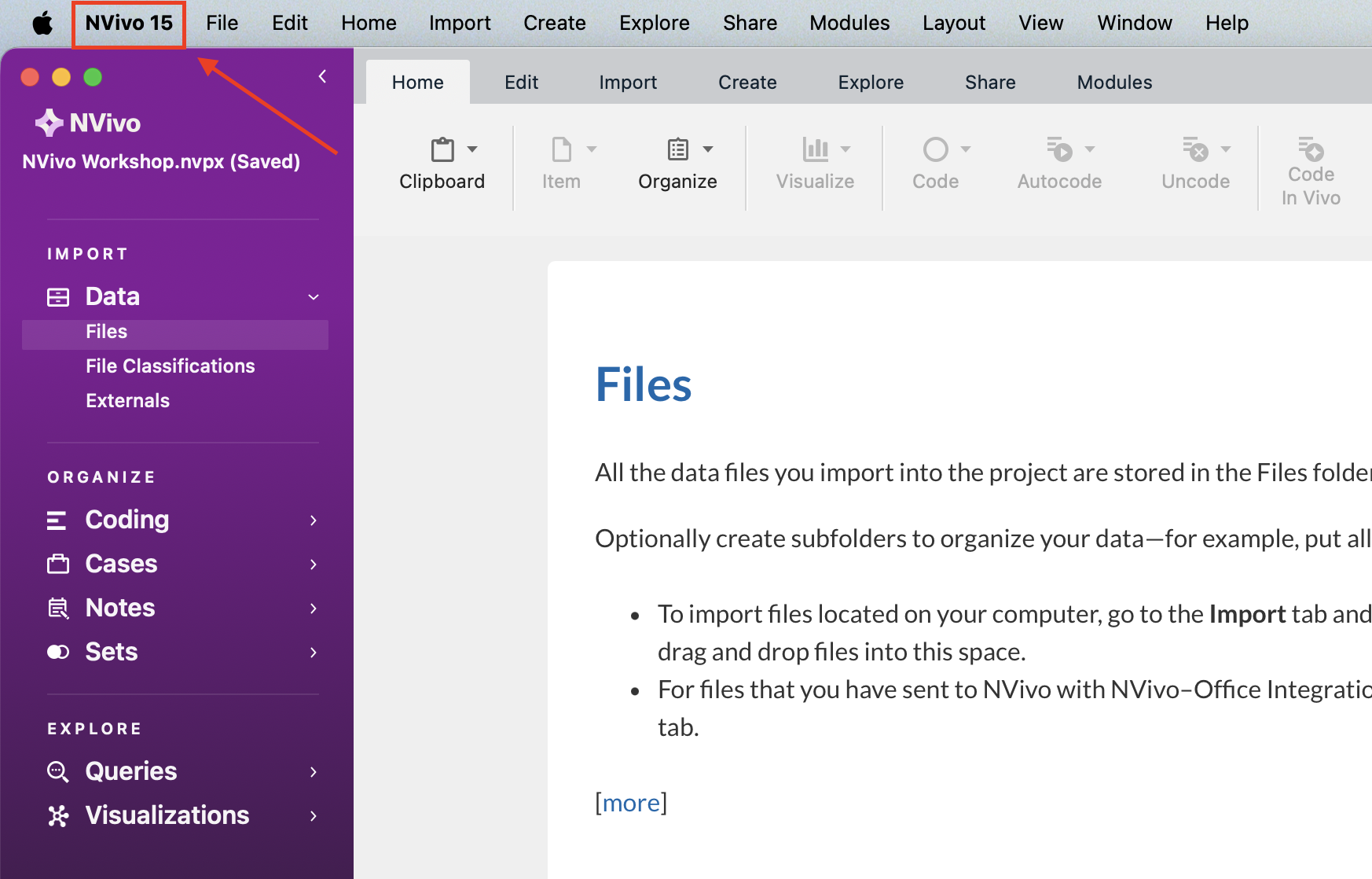
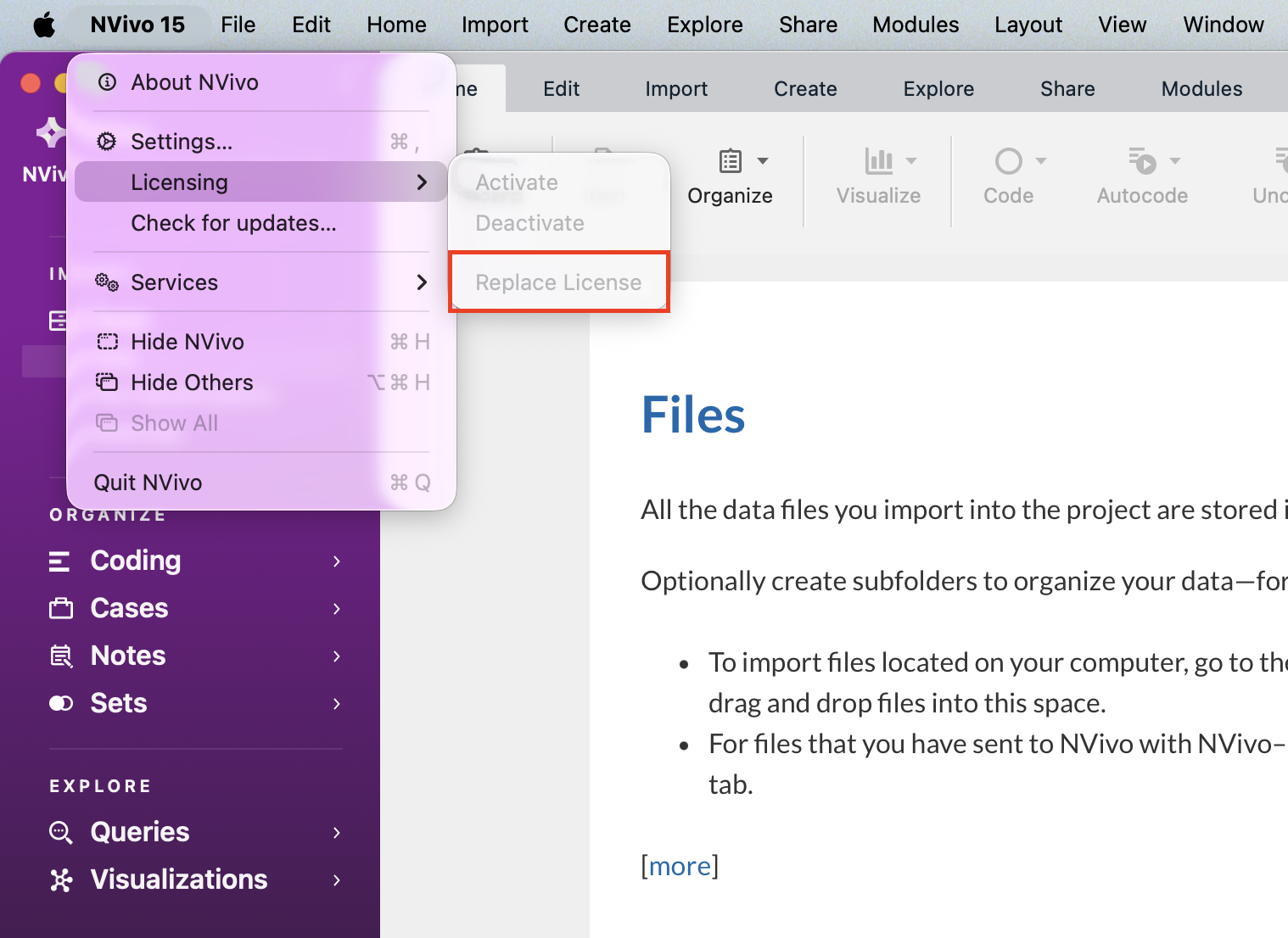
If you select NVivo from the menu bar, and then Licensing, you will see an option to Replace License, where you can update your license key, when you receive a new one.
Technique: Qualitative Data Analysis | Tools: NVivo