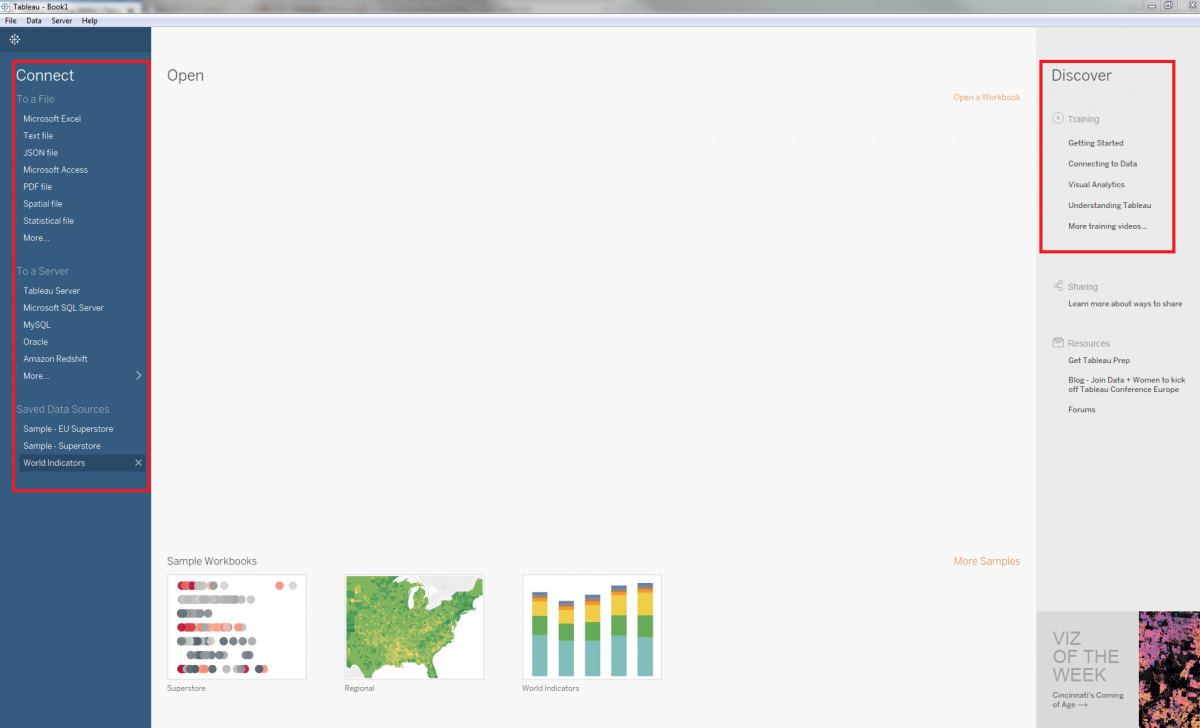
1. Tableau Start Screen
When you first open Tableau, it looks like this. The main page presents you with several options, such as connecting to a file, to a server, or (if using Tableau Desktop) to use a sample data source, all on the left. You can also access Tableau’s online training and other helpful links on the right. If you need more assistance, Tableau offers a lot of training resources.
Technique: Data Visualization | Tools: Tableau