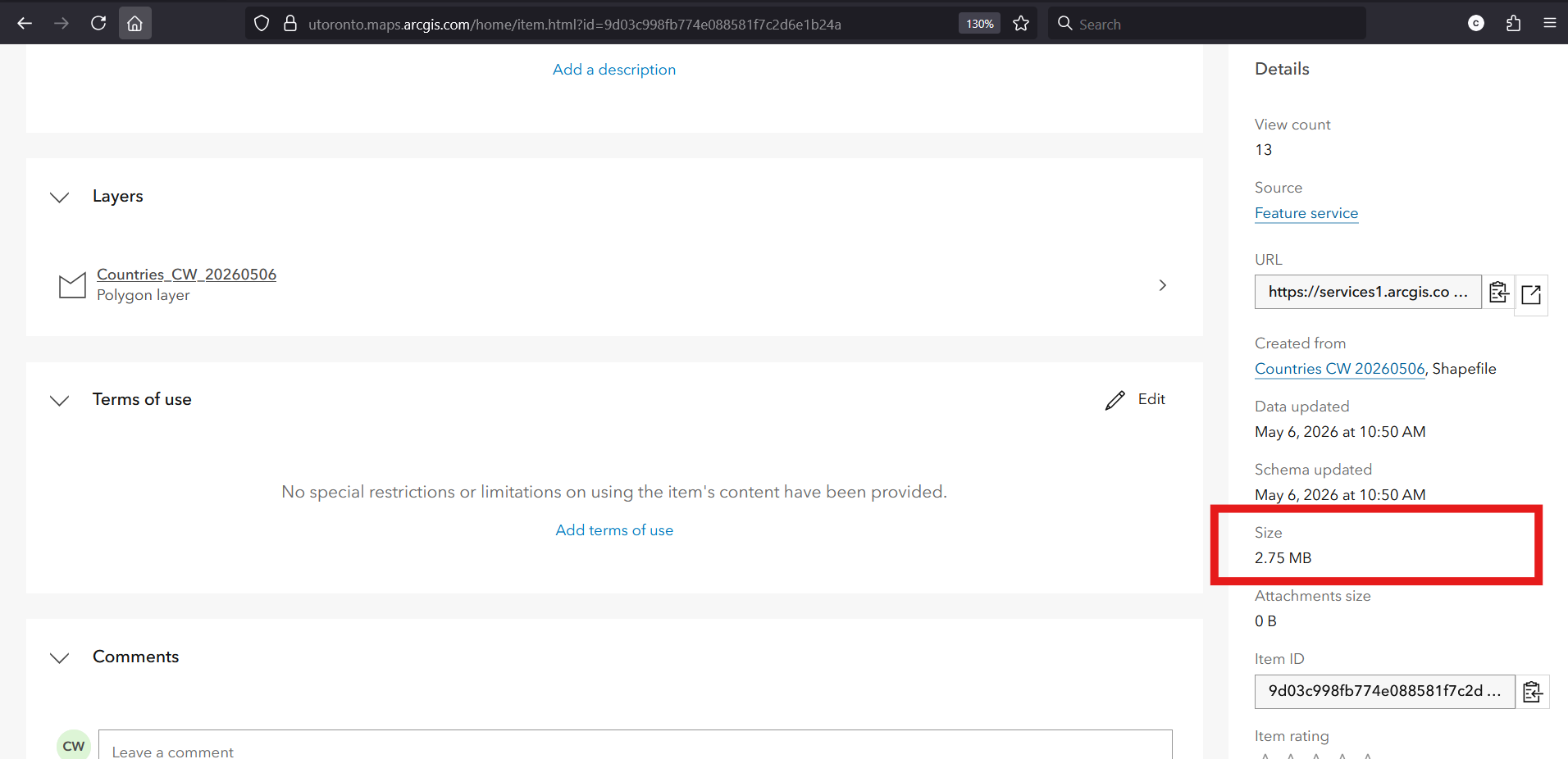
ArcGIS Online: feature storage
Overview
Feature storage in ArcGIS Online refers to the storage used by hosted feature layers. This type of ArcGIS Online item contains geographic data represented as points, lines, and polygons, and supports the editing and analysis tools offered by ArcGIS Online. Feature storage is the most resource-intensive, and therefore expensive, type of storage on the platform. UofT has a shared limit of 500 GB across all users.
View your items’ feature storage usage
You can check how much feature storage you’re using by following these steps:
• Log in to ArcGIS Online (more information here.)
• Click the Content tab. 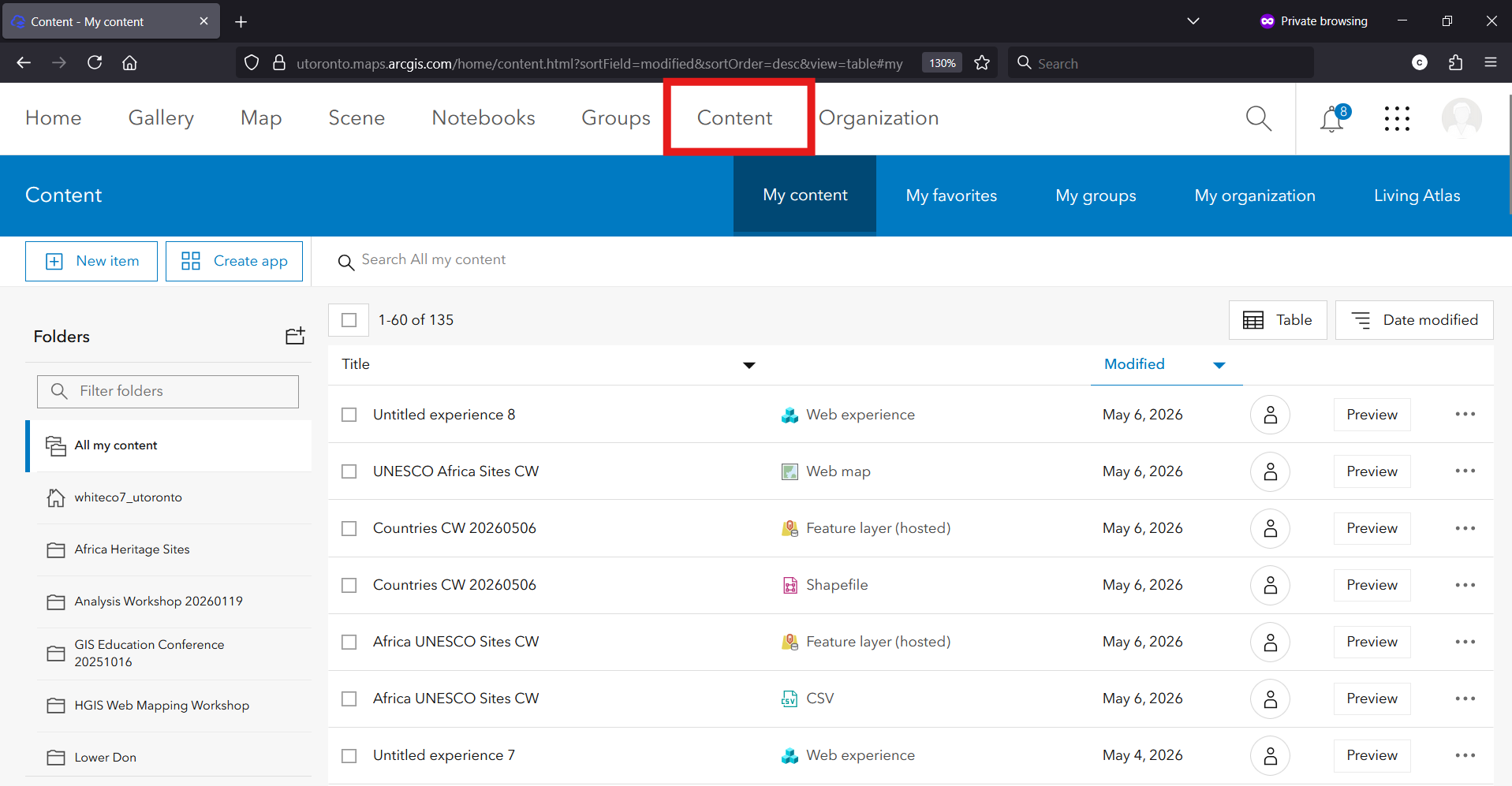
• In the Filters section on the left, click Layers → Feature Layers. 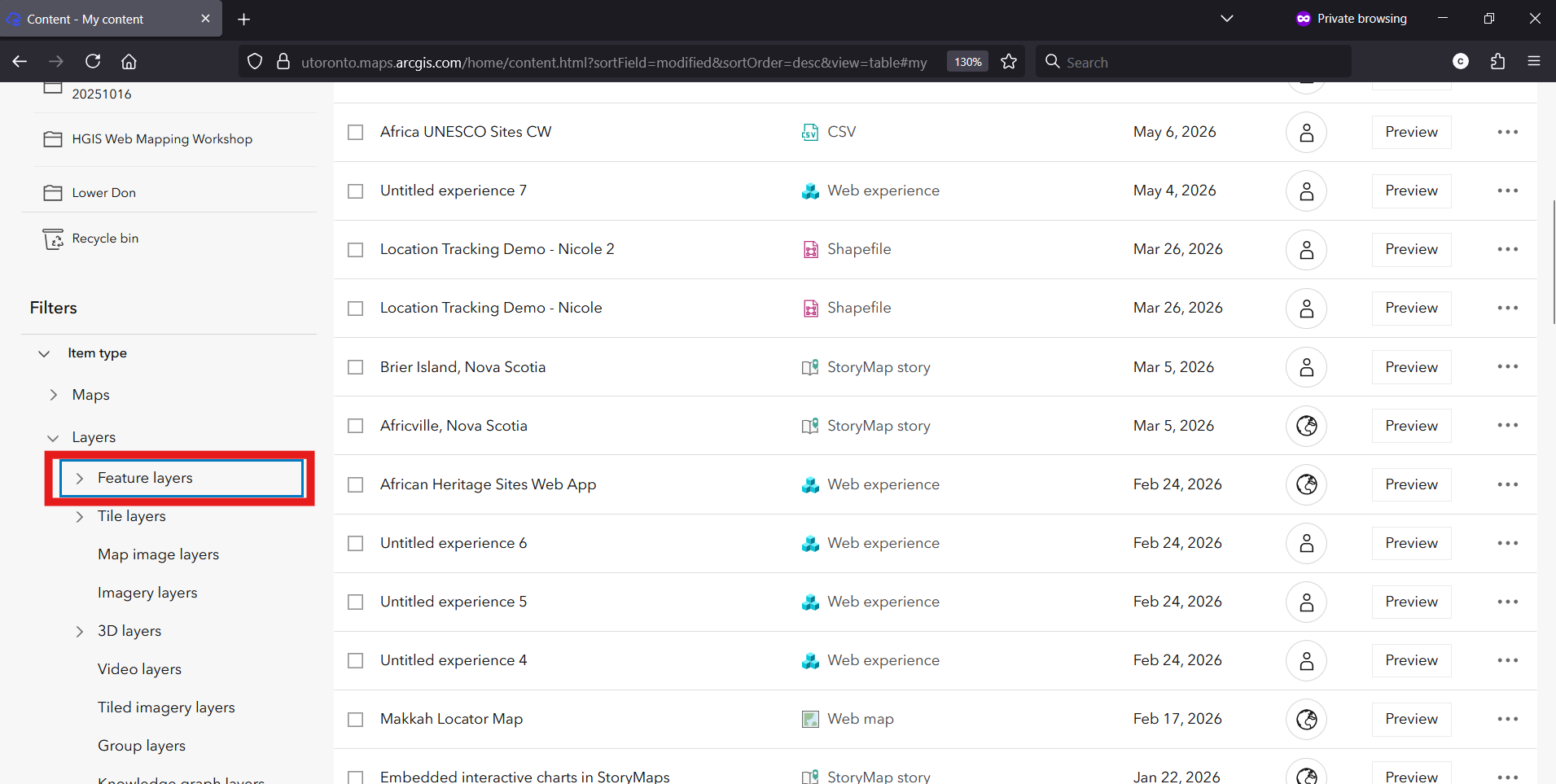
• Click on one of your hosted feature layers to view its details. 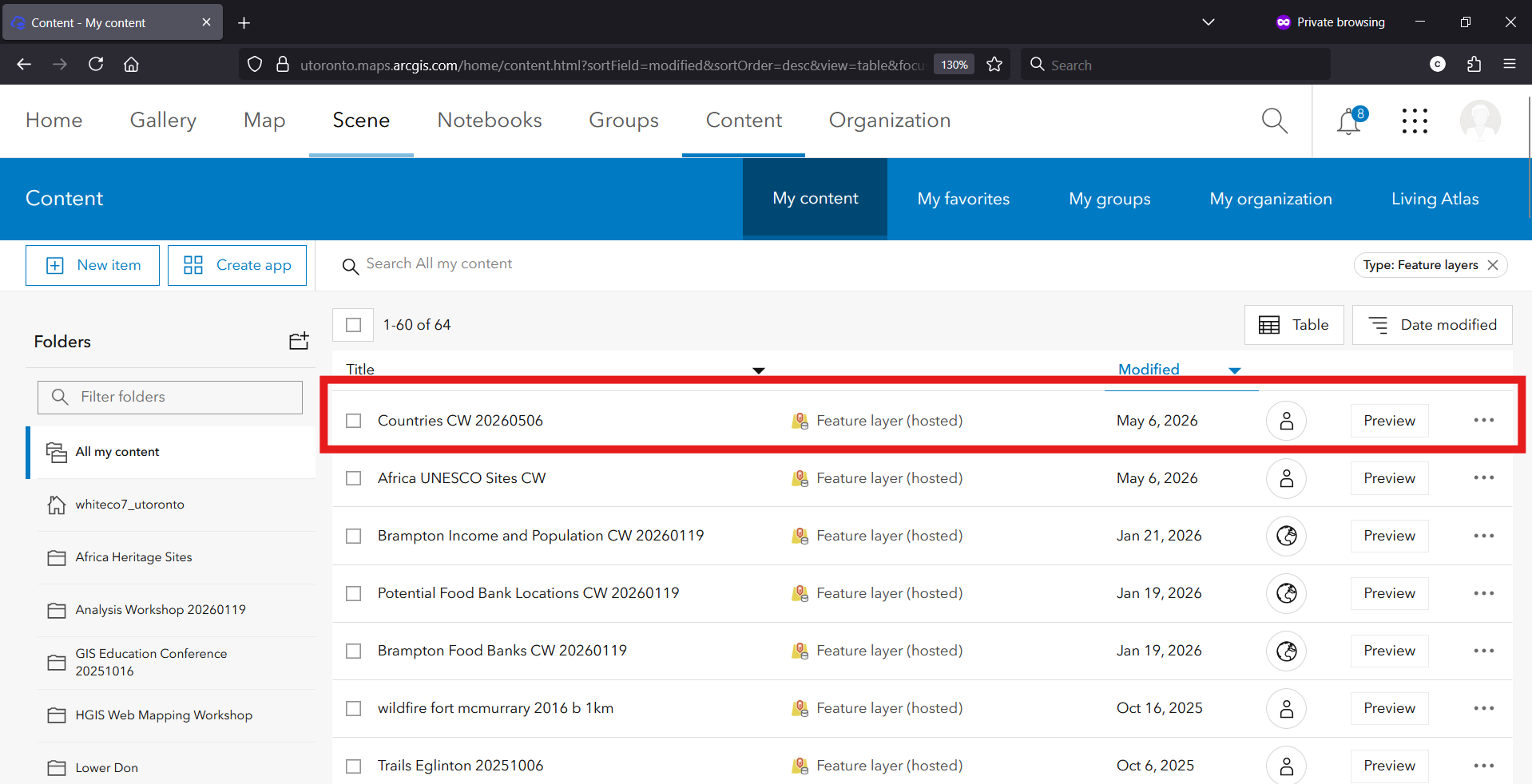
• Click the arrow under the Details section on the right to show more information. 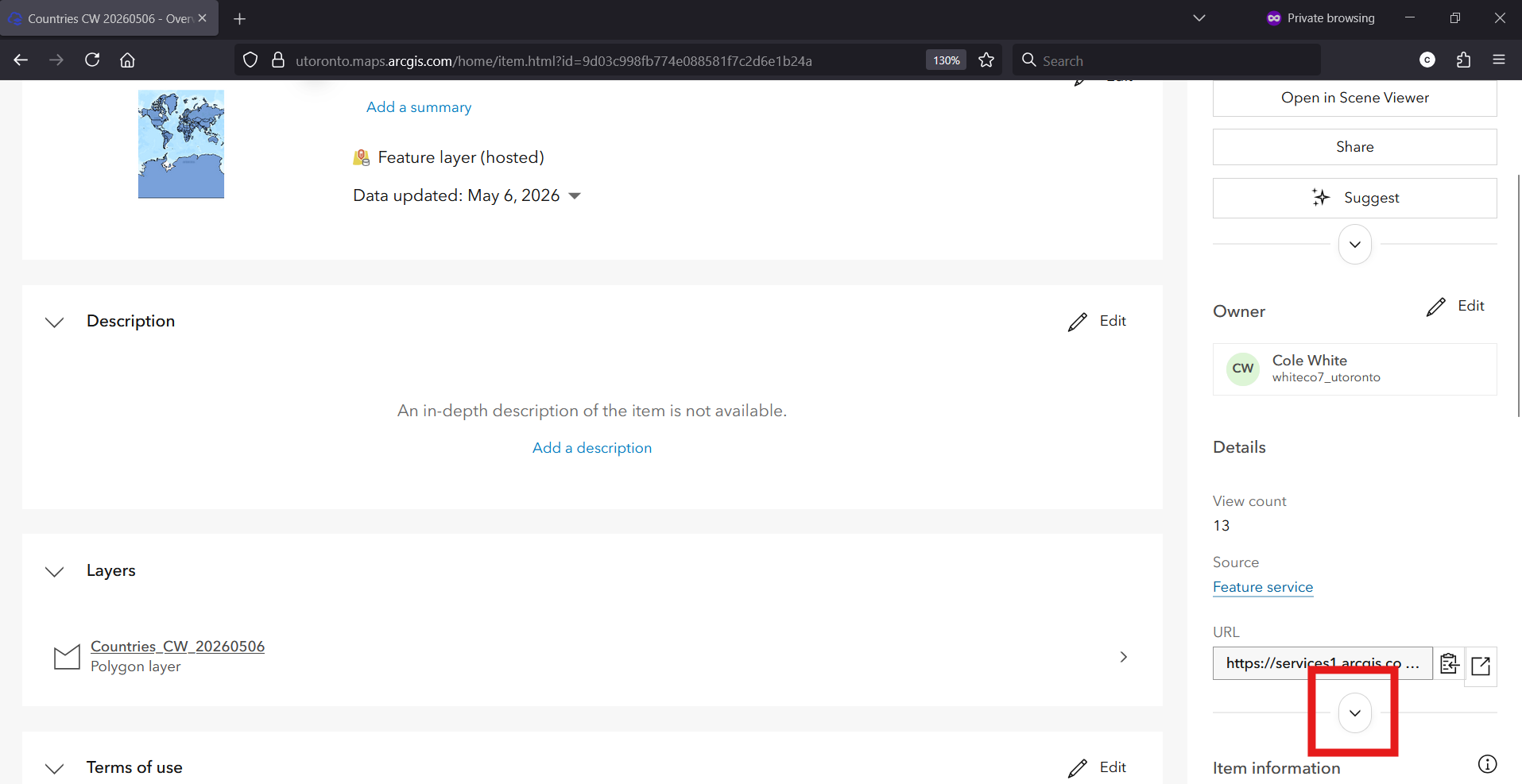
• The file size will be displayed.