Explore the Interface
Let’s briefly look around before we get started.
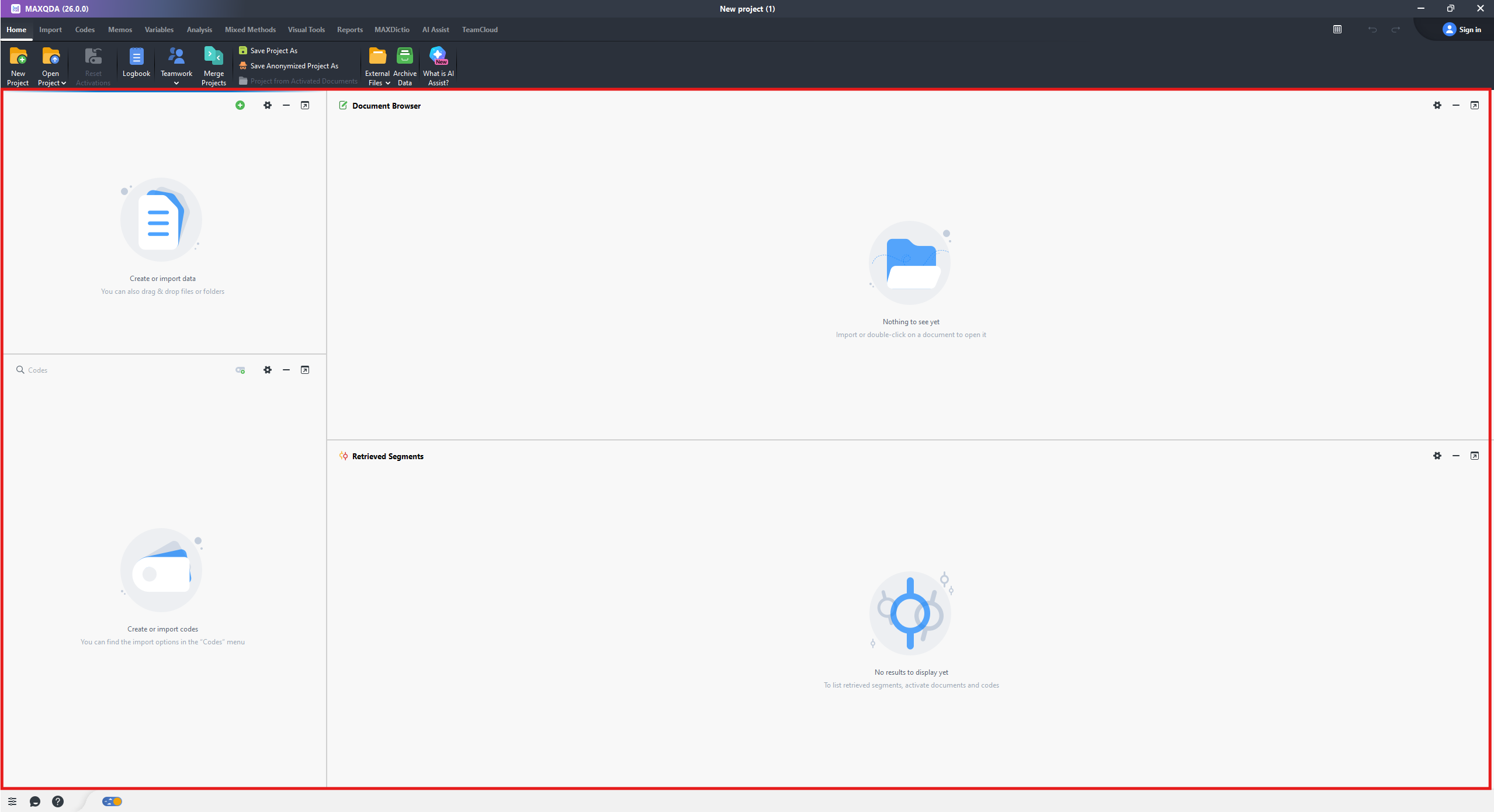
- You will see 4 main panels. The top left is the Document System, which is where you will see your imported files and can organize them. The bottom left is the Code System, which is where you will see your codes and can organize them. The top right is the Document Browser, where you will see a preview of the current document so you can read the contents and code it. Finally, the bottom right is the Retrieved Segments, which we will look at a bit later.
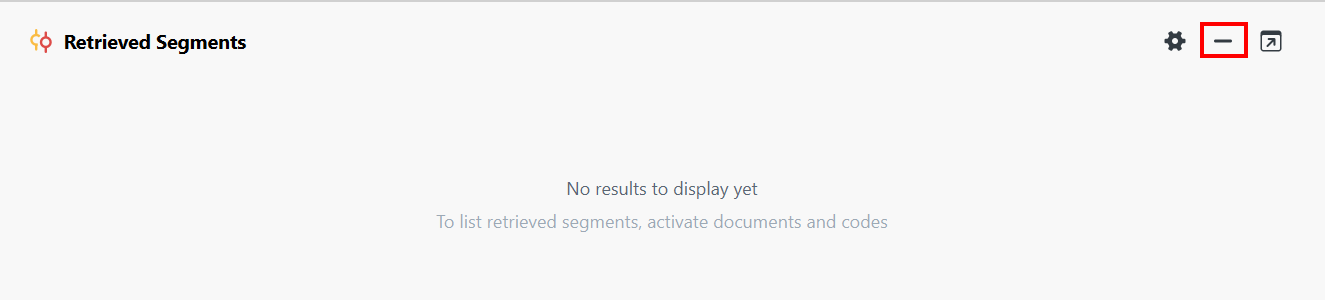
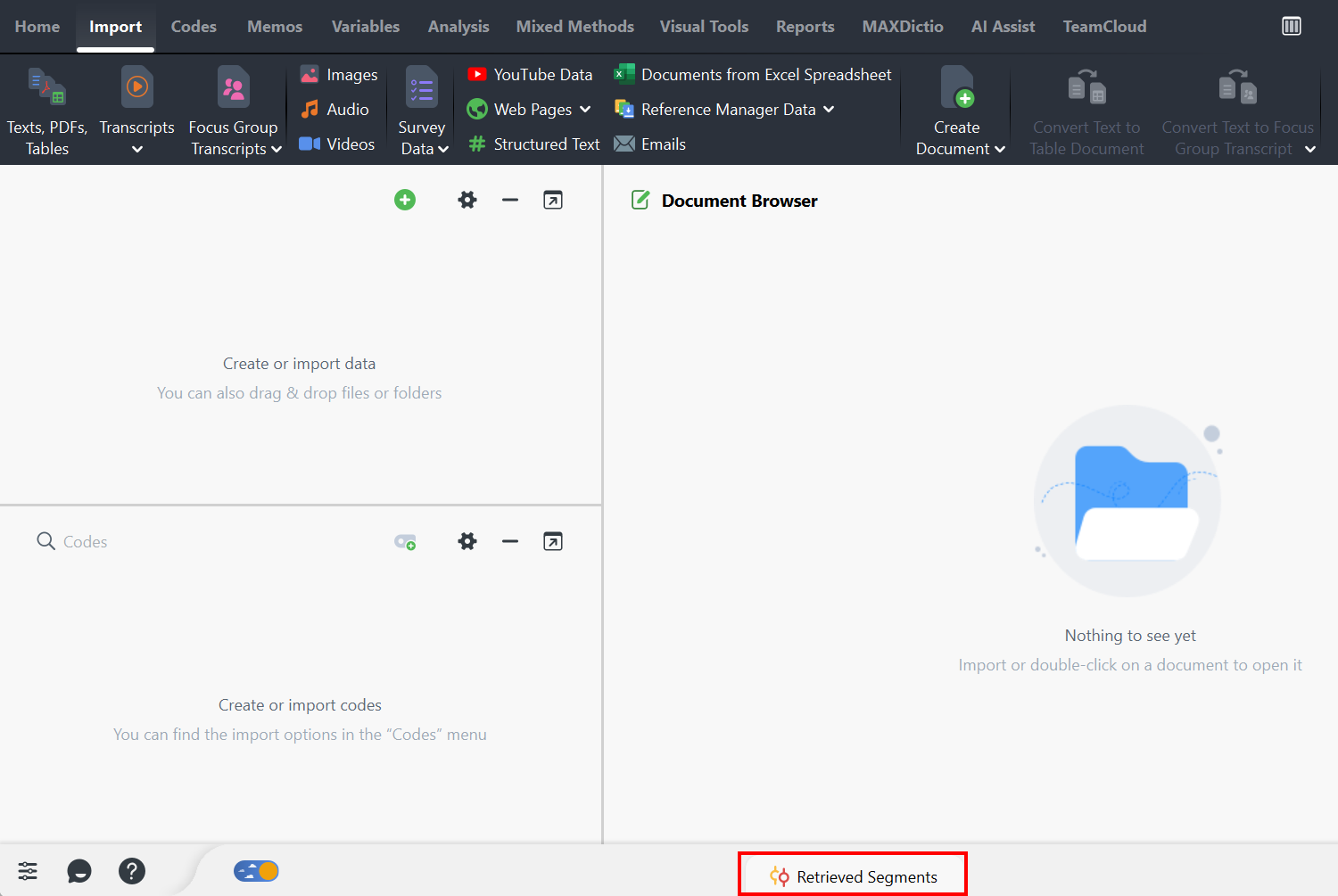
- For now, we can minimize the Retrieved Segments panel to give us some more space. Click on the minimize icon (looks like a horizontal line) at the top left of the panel.
Note: You’ll also notice that for any panel, you can pop it out into its own window using the top left icon that looks like an arrow in a box. Click on the icon again to pop it back into the main MAXQDA interface.
Technique: Qualitative Data Analysis | Tools: MAXQDA